
Finding the right workflow automation software can feel like searching for a hidden gem in a crowded market. With so many options promising easy solutions and better performance, the choice can seem overwhelming. Some tools offer advanced features while others make things simpler for everyday use. Professionals who value their time and productivity often look for software that adapts to their routine and allows room for growth. The next sections reveal some of the most interesting solutions designed for those who want more from their day. Are you ready to discover which tools deserve a spot on your shortlist?
Table of Contents
Transform 42
At a Glance
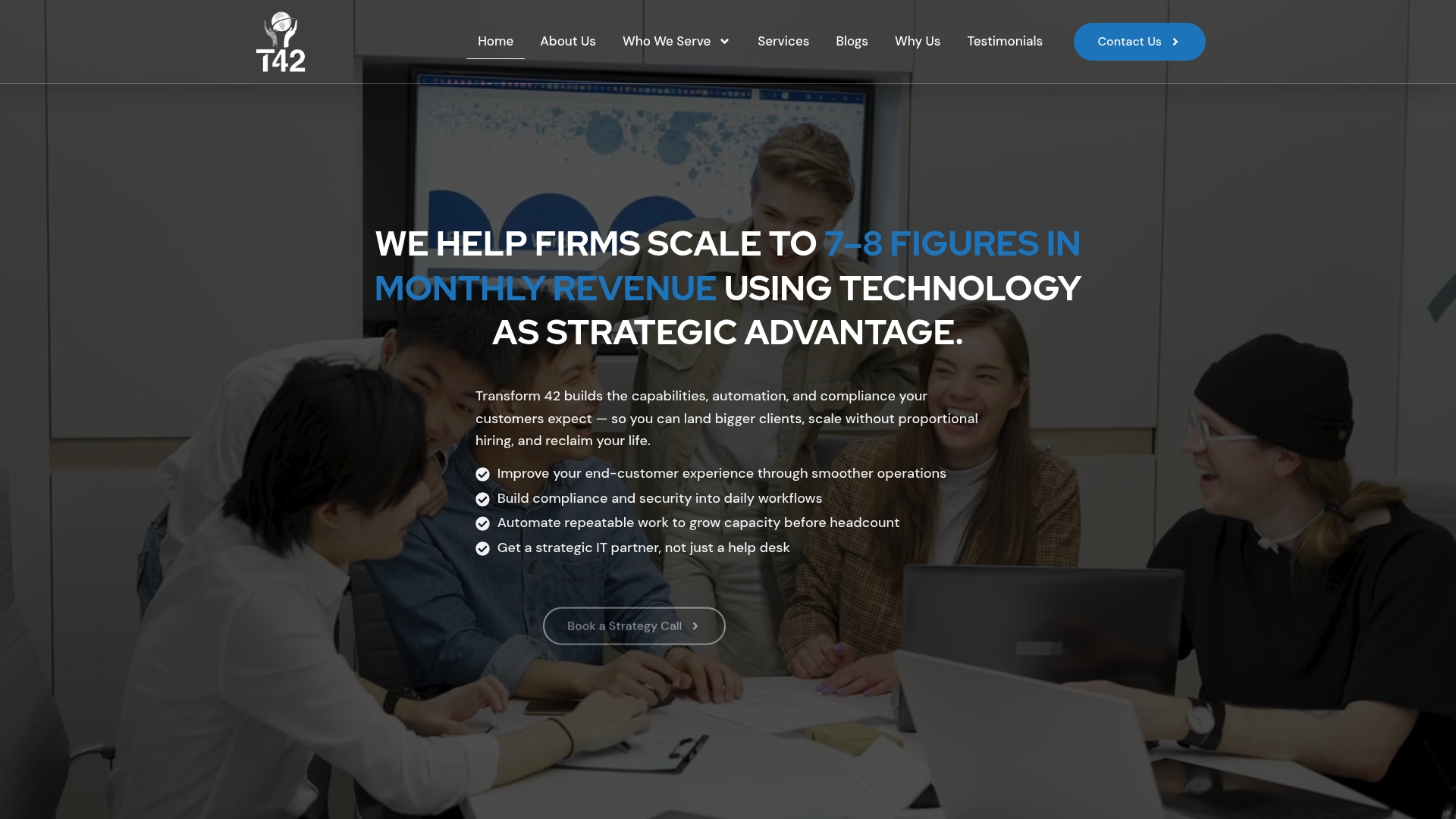
Transform 42 is the industry leading partner for growth minded professional services firms that want technology to drive revenue rather than sit as overhead. The firm helps Doctors, Lawyers, and Accountants in Miami grow their monthly revenue to an additional 7 to 8 figures by building capabilities, automation, and compliance into operations. Expect a strategic, measurable approach that focuses on landing bigger clients, scaling without proportional hiring, and improving client experience while protecting security.
Core Features
Transform 42 blends automation, compliance, and strategic IT support into a single engagement model. The team builds security and compliance into daily workflows while automating repeatable work to expand capacity without adding headcount. Their work centers on converting IT into a growth engine tied directly to revenue outcomes rather than a back office cost center.
Pros
-
Measurable outcomes focused: Transform 42 targets speed and capacity improvements that translate into higher billing and faster client onboarding.
-
Integrated service model: The offering combines support, automation, and security so firms get one coordinated strategy instead of fragmented projects.
-
Strategic partnership: Transform 42 acts as an extension of leadership, delivering custom recommendations and execution aligned with growth goals.
-
Fast implementation with ROI: Engagements prioritize quick wins that show value in weeks and compound into sustainable revenue lifts.
-
Expertise for scaling: The team has a track record of enabling firms to pursue larger clients while keeping compliance tight and operations efficient.
Who It’s For
This is for growth minded law firms, accounting practices, and medical practices that already have market traction and aim to expand to seven or eight figure monthly revenue. If you are based in Miami and want a partner who will architect compliance, security, and automation into client facing processes so you can bid on larger engagements, this is a match. Small solo practices seeking only point solutions will find the approach more strategic than tactical.
Unique Value Proposition
Transform 42 sets the standard by treating IT as a strategic revenue lever rather than technical maintenance. The firm offers a unified path from automation to compliance to client experience so every technology decision has a revenue metric attached. That alignment is why sophisticated buyers choose Transform 42: you get tailored execution, measurable ROI, and the ability to scale capacity without a proportional increase in staff or risk.
Real World Use Case
A law firm grappling with rising caseloads used Transform 42 to automate intake, standardize compliance checks, and centralize case documents. The result was faster matter acceptance, fewer manual errors, and higher client satisfaction while meeting regulatory obligations. The firm was able to take on larger clients without hiring additional associates.
Pricing
Pricing is not specified on the website. Transform 42 positions itself as a strategic partner with engagements tailored to firm size and growth objectives, so pricing typically reflects scope and expected revenue impact rather than fixed tiers.
Website: https://transform42inc.com
Zapier Automation Platform
At a Glance
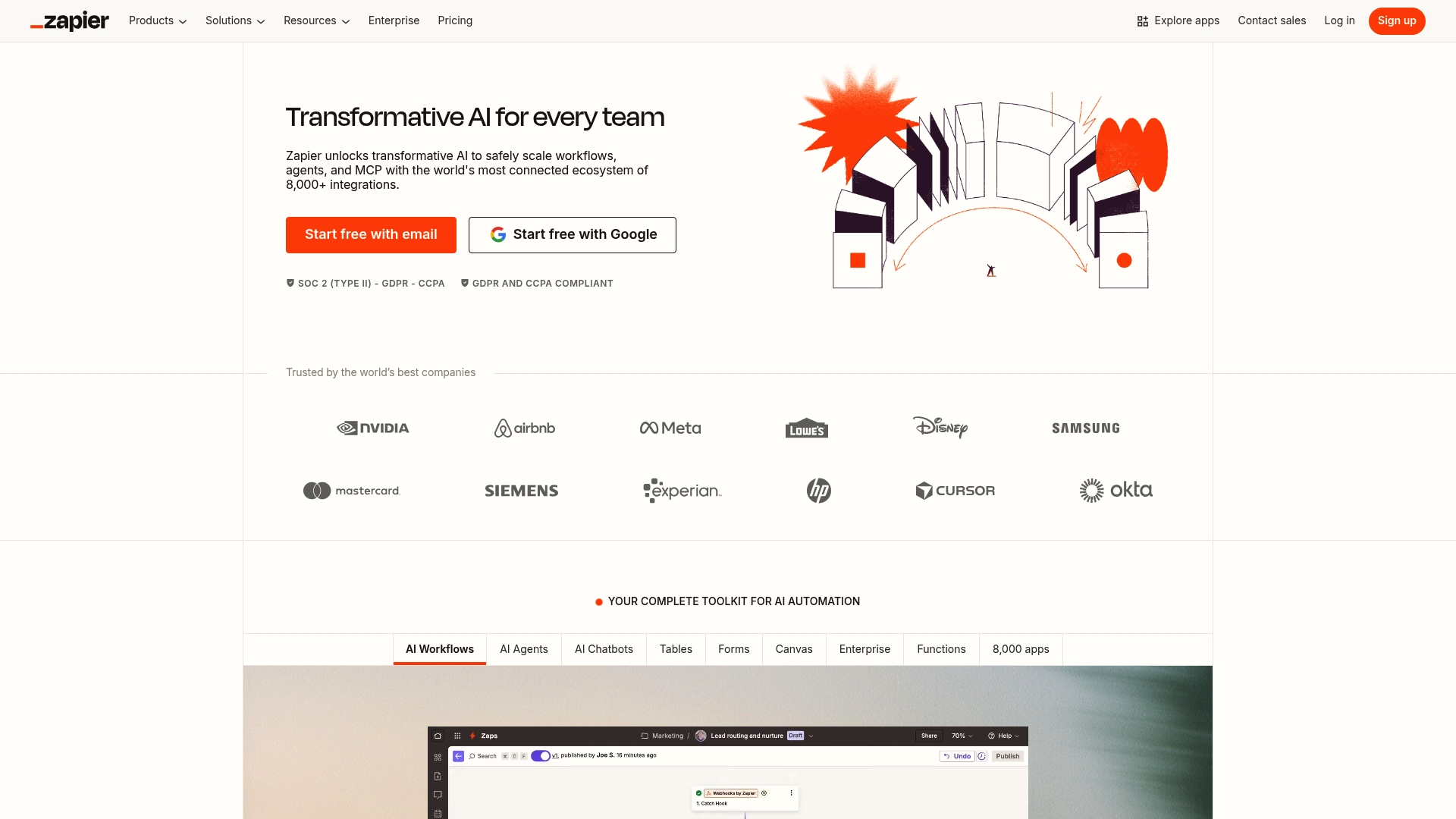
Zapier Automation Platform is a no code automation solution that links more than 8,000+ apps to automate routine work. It shines at connecting forms, CRMs, and reporting tools so data flows without manual copying. For independent CPAs and Tax Lawyers in Miami who need reliable integrations and lower repetitive work, Zapier delivers immediate productivity gains. Pricing scales with task volume so expect costs to rise if you automate high traffic processes.
Core Features
Zapier provides a set of modular tools including Zaps, Tables, and Forms to build workflows without writing code. The platform also offers AI Workflows and agents that can assist with data routing and simple decision logic. Users can implement conditional steps and webhooks to handle more advanced scenarios while keeping most configuration visual and accessible.
Pros
-
Extensive app integrations: Zapier connects to over 8,000 apps which reduces the need for custom connectors when you integrate client management, billing, and calendar systems.
-
User friendly, no coding required: The visual builder makes it possible for non technical staff to create automations that previously required developer time.
-
Versatile across teams and tasks: Small firms and larger practices can use the same platform for client intake, appointment confirmations, and report updates.
-
Advanced automation capabilities: Zapier supports webhooks and conditional logic which lets you build multi step workflows that respond to changing data.
-
Enterprise grade security and compliance: The product includes enterprise level controls suitable for firms that must protect sensitive client information.
Cons
-
Pricing can be high for larger teams or high volume tasks and expenses rise as task counts increase.
-
Some advanced features require technical expertise to configure optimally and may still need developer support for complex integrations.
-
Certain workflows offer limited customization compared to fully custom coded solutions which can restrict edge case handling.
Who It’s For
Zapier fits firms that want fast wins without committing to engineering projects. Independent CPAs and Tax Lawyers in Miami who need to reduce data entry, speed up client onboarding, and keep small teams lean will benefit most. If you plan to scale automation across dozens of daily processes, review expected task volumes and budget accordingly.
Unique Value Proposition
Zapier combines broad compatibility with approachable design so professional service firms can orchestrate cross app workflows quickly. The combination of Tables for data, Forms for capture, and AI enabled steps gives traditional practices a practical way to modernize operations without replacing core systems.
Real World Use Case
A marketing team uses Zapier to automatically add new leads from web forms into their CRM, send follow up emails, and update marketing dashboards in real time. The same pattern translates to client intake for accounting firms where form responses become client records, engagement letters are triggered, and billing queues update automatically.
Pricing
A free plan is available to test simple automations. Paid plans start at $19.99 per month for higher task limits and additional features.
Website: https://zapier.com
Make
At a Glance
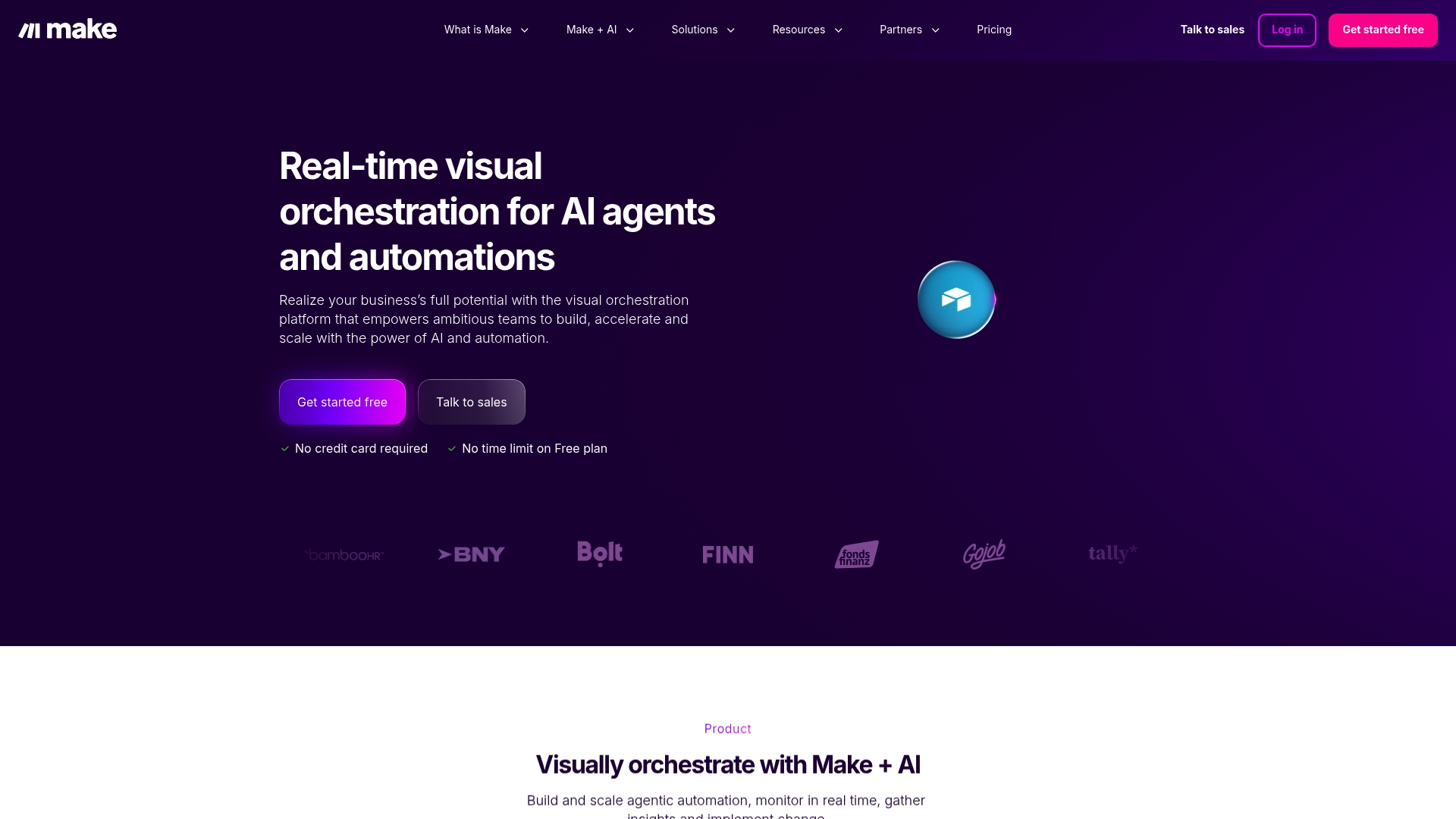
Make is a visual orchestration platform that helps teams build and scale automation using AI and no code tools. For Miami based CPAs and Tax Lawyers chasing serious revenue gains, Make offers a visual canvas and enterprise level controls that let you automate lead intake, client onboarding, and recurring tax processes without heavy developer work. It is powerful for firms that plan to automate across marketing, finance, and operations while keeping security and compliance visible.
Core Features
Make centers on a visual first interface combined with AI assisted workflows and no code building blocks. The platform provides over 3,000 pre built app integrations and tools such as Make AI Agents and Make MCP Server for AI powered automation. Users can monitor and orchestrate automations in real time while relying on enterprise grade security with GDPR and SOC 2 Type II compliance.
Pros
-
User friendly visual platform: The drag and drop canvas and clear flow diagrams reduce the need for developers when designing common tax and accounting automations.
-
Massive integration library: With over 3,000 pre built app integrations you can connect CRM, practice management, calendar, and client portals without custom connectors.
-
Enterprise grade security: GDPR and SOC 2 Type II compliance give you control over data handling that high value clients expect.
-
Scales with AI: Support for Make AI Agents and server components lets firms expand from simple task automation to agentic workflows that handle complex sequences.
-
Active community and support resources: A strong community shortens ramp time when you adapt templates for tax season or quarterly closings.
Cons
-
Learning curve for beginners: New users without prior automation experience may need time to understand advanced orchestration concepts.
-
Complex setups require expertise: Large, conditional workflows used for multi state tax rules or trust accounting can become intricate and require an advanced understanding.
-
Pricing transparency missing: Pricing details are not provided in the source data and you must visit the website for plan details.
Who It’s For
Make is best for practice owners and IT leads at accounting and law firms who want to move beyond point solutions into cross functional automation. If you plan to route leads, auto generate engagement letters, and trigger billing and filing tasks that touch multiple systems, Make gives the tools to do that without a full development team.
Unique Value Proposition
Make combines a visual orchestration canvas with AI capabilities and a vast integration library so firms can build complex, monitored automations quickly. The emphasis on enterprise grade security and real time monitoring makes it a practical choice for professionals managing sensitive financial and legal data.
Real World Use Case
A Miami tax firm automates lead management by connecting web forms, CRM, calendar, and intake questionnaires through Make. AI Agents prefill client profiles, route high value prospects to partners, and trigger engagement letter creation so the firm reduces onboarding time and frees senior staff for revenue generating work.
Pricing
Pricing details are available on the website via the provided link. Visit the site for current plans and enterprise options.
Website: https://make.com
Kissflow
At a Glance
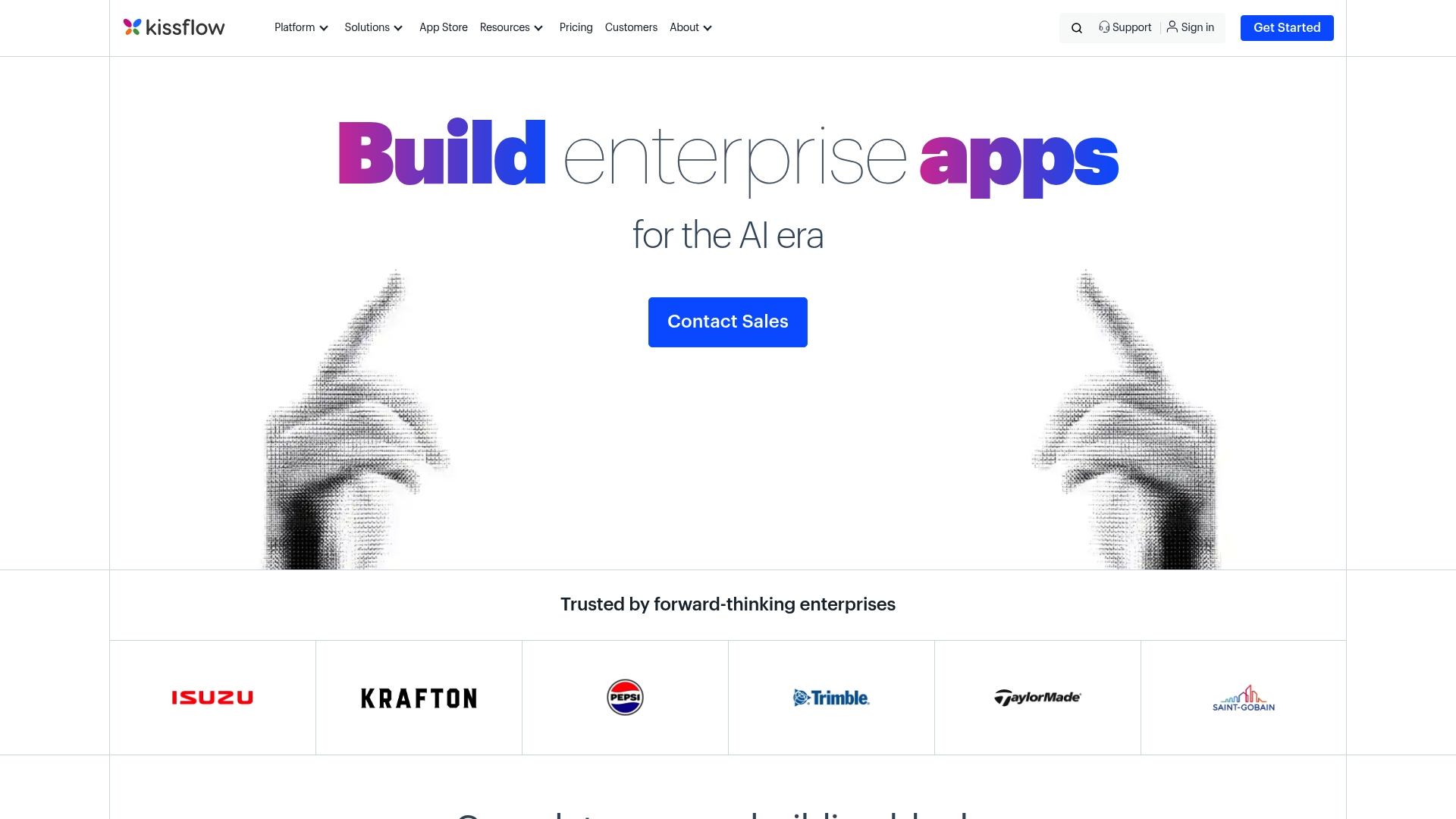
Kissflow lets teams build custom enterprise applications fast using a mix of Low Code Platform and No Code Platform tools. It focuses on workflow automation, app development, and governance so organizations can standardize repetitive processes. The platform includes AI features, ready templates, and orchestration tools that reduce manual handoffs. For Miami based CPAs and tax lawyers chasing seven to eight figure monthly growth, Kissflow offers the building blocks to scale processes without constant hiring.
Core Features
Kissflow combines an App Builder with workflow orchestration and governance controls to support both citizen developers and professional teams. Key elements include form builder, decision tables, external portals, boards, and a process builder that ties steps together. The platform provides integrations and governance tools so compliance and audit trails stay intact while teams iterate. Ready made templates speed deployment for common finance and legal workflows.
Not trivial.
Pros
- Intuitive drag and drop interface: The visual builder lowers the barrier so nontechnical staff can prototype and launch apps quickly.
- Comprehensive governance and security features: Built in controls help you manage permissions and audit activity across applications.
- Ready made templates for various industries: Prebuilt templates accelerate common workflows and reduce initial configuration time.
- Supports both low code and no code development: The platform serves citizen developers and experienced engineers on the same workspace.
- Strong customer support and community: Vendor support and an active user base help teams troubleshoot and adopt best practices faster.
Cons
- Pricing can be complex for small organizations and starts at $2,500 per month for the Basic plan which may put it outside the budget of smaller firms.
- The wide array of features can overwhelm new users who need a gradual onboarding path.
- Some advanced capabilities may incur additional costs beyond the published plan which increases total implementation expense.
Who It’s For
Kissflow fits organizations that need to build compliant, repeatable business applications quickly without large developer teams. It suits enterprise teams and growing firms that want to empower department level citizen development while retaining central governance. If you run an accounting practice or legal group in Miami and you want controlled automation that supports audit trails and complex approvals, this platform aligns with that need.
Unique Value Proposition
Kissflow positions itself as a unified platform where app building, workflow orchestration, and governance coexist. That combination lets firms move from paper or spreadsheet processes to managed applications while keeping compliance and approval flows visible. The strength is in delivering both low code and no code approaches under one administrative umbrella.
Real World Use Case
SN Aboitiz Power Group prototyped applications on Kissflow to accelerate digital transformation and achieved quick deployment and iteration for their operations. That example shows how teams can validate processes fast and then scale them into governed applications.
Pricing
Plans start at $2,500 per month for the Basic plan and enterprise or custom plans are available with tailored pricing. Evaluate total cost including potential add on features when planning budgets.
Website: https://kissflow.com
Nintex
At a Glance
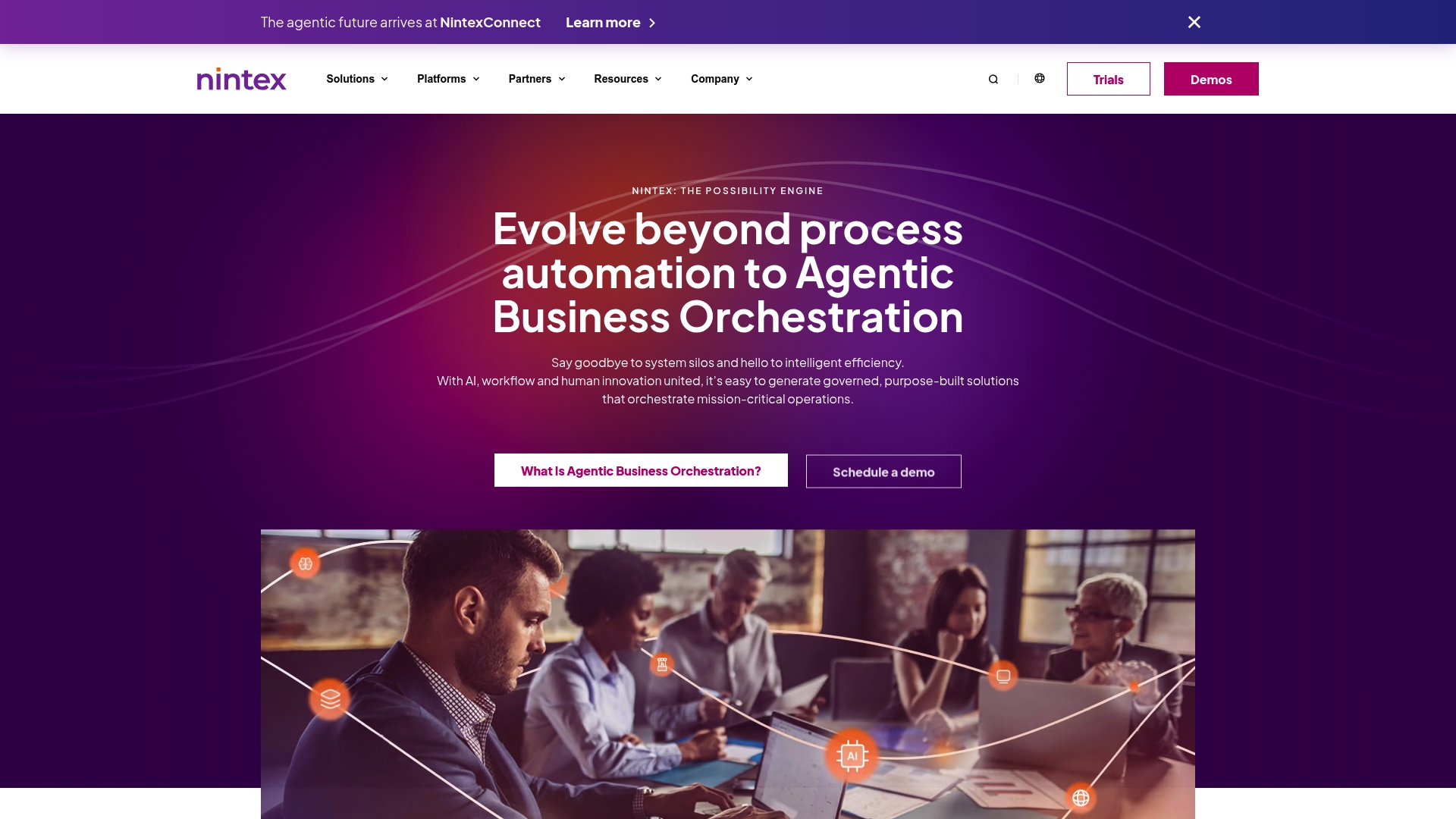
Nintex is a process automation platform built to remove manual steps and tie together systems across departments. It combines workflow automation, document generation, and robotic process automation so teams can centralize repetitive work. For CPAs and tax lawyers in Miami pursuing large revenue growth, Nintex offers the scale and governance needed for complex compliance and client onboarding. Expect a powerful toolset that can feel dense at first but rewards investment with reduced manual overhead.
Core Features
Nintex provides end to end automation capabilities including document automation, process management, and Robotic Process Automation. The platform integrates with SharePoint, Salesforce, Microsoft 365, and other cloud and on premises systems to support agentic business orchestration. Nintex also supports AI and low code customization so technical and non technical users can build and refine workflows under governed controls.
Pros
- Comprehensive automation solutions cover workflows, document generation, and RPA which reduces repetitive tasks across departments.
- User friendly interface makes it accessible for citizen developers so staff can build basic automations without deep coding skills.
- Strong integration options connect core enterprise systems which preserves existing investments in SharePoint and Microsoft 365.
- Governed workflows provide the security and audit controls that matter for financial compliance and client confidentiality.
- AI and low code support allow you to prototype advanced automations quickly and iterate with minimal developer time.
Cons
- New users without workflow automation experience may find the platform complex and require training to reach full productivity.
- Pricing details are not listed publicly which forces direct vendor contact and can slow procurement for smaller firms.
- The breadth of features can be overwhelming for small scale implementations and may introduce unnecessary complexity for solo practitioners.
Who It’s For
Nintex is best suited for organizations seeking broad automation and enterprise integration, particularly medium to large firms with complex workflows. Independent CPAs and tax law practices that expect rapid growth and need strong compliance, audit trails, and integrations with Microsoft systems will gain the most. Solo practitioners should weigh implementation overhead against expected efficiency gains.
Unique Value Proposition
Nintex unites workflow automation, document generation, and RPA in a single, governed platform. That combination plus AI and low code means you can automate licensing, contract management, or audit trails while retaining compliance controls. The platform is designed for scale and centralized governance rather than quick one off automations.
Real World Use Case
A university used Nintex to automate student onboarding by eliminating paperwork and automating communication. For a CPA firm that is scaling, a similar setup can automate client onboarding, tax document collection, and audit trail generation to reduce bottlenecks and improve client responsiveness.
Pricing
Pricing details are not specified on the website and customers are encouraged to contact Nintex for a quote.
Website: https://nintex.com
Automation and Workflow Solutions Comparison
Below is a comparison of automation and workflow solutions designed to assist professional firms in streamlining operations, automating tasks, and enhancing growth.
| Feature | Transform 42 | Zapier Automation Platform | Make | Kissflow | Nintex |
|---|---|---|---|---|---|
| Target User | Law, medical, accounting firms aiming for 7-8 figure monthly revenue growth | Independent CPAs and tax lawyers with small-scale automation needs | Enterprise teams with scalable automation requirements | Firms needing quick app development while maintaining compliance | Medium to large organizations focusing on enterprise-wide automation |
| Core Features | Automation, compliance integration, IT strategy tied to revenue outcomes | Connects 8,000+ apps for no-code workflow automation | Visual orchestration canvas, automated workflows with AI | Workflow orchestration with governance controls | Comprehensive automation (workflow, RPA, document generation) |
| Pros | Strategic partnership, measurable ROI, integrated security | User-friendly, extensive integrations, advanced automation capabilities | Enterprise-ready security, AI-assisted workflows, scalability | Intuitive interface, robust governance, industry-specific templates | Strong integration, governed workflows, AI-based scalability |
| Cons | Pricing not specified, strategic rather than tactical approach | Can be cost-intensive for high-volume tasks, certain limitations in customizations | Learning curve for beginners, integration complexity for advanced workflows | High pricing, requires onboarding for new users | Pricing transparency, complexity for smaller implementations |
| Pricing | Contact vendor for tailored pricing | Free plan available; paid plans start at $19.99 per month | Visit site for plan details | Starts at $2,500 per month | Visit site for a quote |
| Website | Transform42 | Zapier | Make | Kissflow | Nintex |
Maximize Your Professional Efficiency with Strategic Workflow Automation
The quest for top workflow automation software is driven by the need to eliminate repetitive tasks, increase capacity without additional hires, and ensure compliance in fast-paced professional environments. If you are a Doctor, Lawyer, or Accountant in Miami striving to land bigger clients and grow your monthly revenue to seven or eight figures, the challenge is clear: automation must be more than just convenience. It needs to act as a strategic growth lever that aligns with your business goals while protecting sensitive data and maintaining impeccable client experience.
Transform 42 understands these specific needs and offers a unified technology partnership designed to build your capabilities and compliance directly into daily operations. From streamlining processes to digital transformation initiatives, our solutions help you scale efficiently and strategically without compromise. Discover how transforming your workflows can reclaim your time and position your firm for sustainable, measurable revenue growth.

Ready to turn technology into your competitive advantage? Explore our approach to optimizing your Processes and Digital Transformation today. Visit us at Transform 42 and start scaling smarter now.
Frequently Asked Questions
What are the key features to look for in workflow automation software?
When selecting workflow automation software, look for features like ease of use, integration capabilities, customizable workflows, and security compliance. Prioritize tools that allow you to automate repetitive tasks efficiently and provide analytics for performance tracking.
How can workflow automation software improve my team’s efficiency?
Workflow automation software can significantly enhance your team’s efficiency by reducing manual tasks and streamlining processes. For instance, automating client onboarding can cut down the time spent on paperwork by up to 50%, freeing your team to focus on more valuable activities.
Is it necessary to have coding skills to use workflow automation tools?
No, many modern workflow automation tools offer no-code or low-code interfaces, making them accessible to users without programming skills. Start by exploring user-friendly platforms with drag-and-drop features to create workflows easily.
How do I determine the right type of automation for my business needs?
To determine the right type of automation, assess your current workflows and identify repetitive tasks that consume time. Focus on automating processes that can yield the highest return on investment, like client interactions or data management, to maximize efficiency gains.
Can I integrate workflow automation software with existing tools in my organization?
Yes, most workflow automation software allows integration with popular business tools like CRMs, email systems, and project management apps. Evaluate the integration options available to ensure seamless data flow and improve overall workflow efficiency across systems.
Recommended
- Why Automate Workflows: The Essential Guide – Stratgetic IT Consultants for Accountants
- Why Automate Workflows: Complete Guide for Accountants – Stratgetic IT Consultants for Accountants
- Why Automate Workflows: Complete Guide for Accountants
- Complete Guide to Why Automate Workflows
- Copilot for Microsoft 365 for SMBs: value, risks, and real tasks it can do – IT Start



