

Workflow bottlenecks can drain energy and limit growth for Miami CPAs who want to scale their practice. Tackling repetitive data entry and slow approval processes is the first step toward reclaiming time and reducing errors. By focusing on AI-driven automation techniques, accountants can shift their attention from tedious tasks to higher-value activities that drive revenue. This guide equips you with actionable strategies to transform workflows and build a more productive, profitable accounting firm.
Table of Contents
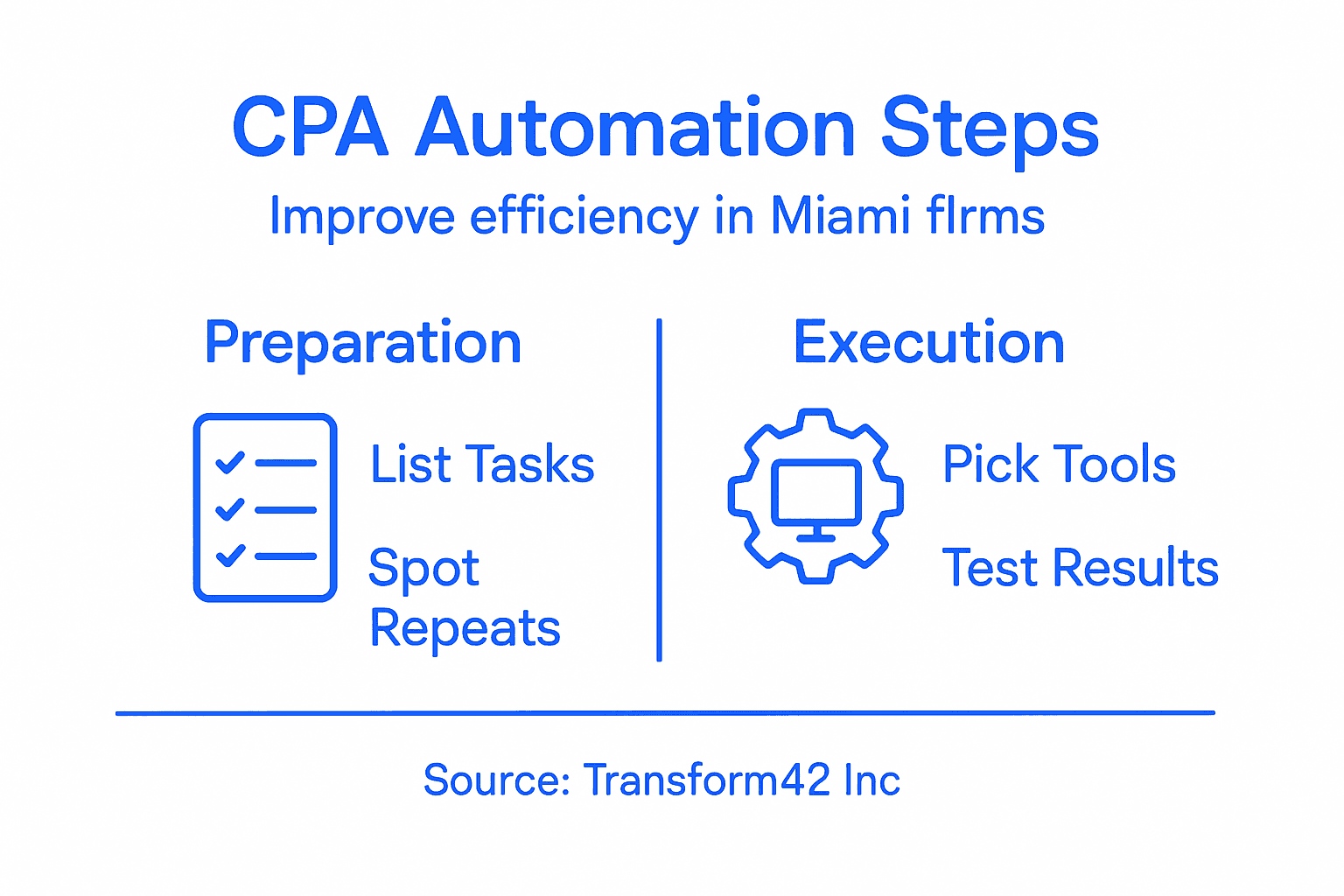
- Step 1: Assess Workflow Bottlenecks and Repetitive Tasks
- Step 2: Select and Integrate Automation Tools for Accounting
- Step 3: Configure Automated Data Collection and Reporting
- Step 4: Test Automated Processes for Accuracy and Compliance
- Step 5: Monitor Performance and Adjust for Optimal Results
Quick Summary
| Key Insight | Explanation |
|---|---|
| 1. Identify Workflow Bottlenecks | Map out current processes to find repetitive tasks hindering efficiency. |
| 2. Choose the Right Automation Tools | Select tools compatible with existing systems and scalable to your needs. |
| 3. Automate Data Collection | Standardize input formats and integrate data sources for efficiency. |
| 4. Test for Accuracy and Compliance | Validate automated processes to ensure they meet professional standards. |
| 5. Monitor and Adjust Performance | Continuously track key metrics and adjust processes for optimal results. |
Step 1: Assess Workflow Bottlenecks and Repetitive Tasks
Understanding and identifying workflow bottlenecks is crucial for Miami CPAs looking to streamline their business processes. By pinpointing repetitive tasks and inefficient workflows, you can dramatically improve your firm’s operational efficiency and free up valuable time for high-value strategic work.
To effectively assess your workflow, start by mapping out your current processes and identifying areas of friction. AI-driven automation techniques can help you recognize tasks that consume significant manual effort. Look for these common bottleneck indicators:
- Repetitive data entry tasks
- Manual reconciliation processes
- Time-consuming financial reporting
- Redundant document processing
- Complex approval workflows
Carefully analyze each workflow step to determine where automation can provide the most significant impact. Pay special attention to tasks that:
- Require consistent, repetitive actions
- Involve standardized information processing
- Have clear, predictable decision-making criteria
By systematically examining your current processes, you can create a strategic roadmap for implementing targeted automation solutions that reduce manual workload and minimize errors.
Identifying workflow bottlenecks is not about eliminating jobs, but about empowering your team to focus on high-value strategic work that drives business growth.
Pro tip: Create a detailed process inventory spreadsheet that tracks time spent on each task, helping you prioritize automation opportunities with the greatest potential efficiency gains.
Step 2: Select and Integrate Automation Tools for Accounting
Selecting the right automation tools is a critical step for Miami CPAs looking to transform their business processes. Emerging technologies like AI and cloud computing are revolutionizing how accounting firms manage workflows and deliver client services.
When evaluating automation tools, consider these key factors:
- Compatibility with existing accounting software
- Scalability and flexibility
- User-friendly interface
- Robust security features
- Integration capabilities with CRM systems
- Reporting and analytics functionality
Focus on tools that offer comprehensive solutions for your specific accounting needs. Look for automation platforms that can handle:
- Automatic data entry and reconciliation
- Workflow management
- Client communication tracking
- Document processing
- Financial reporting
Robotic process automation can significantly reduce manual tasks and minimize human error. By carefully selecting tools that align with your firm’s unique requirements, you can create a more efficient and responsive accounting practice.

Here’s how automation features improve accounting firm efficiency:
| Automation Feature | Operational Benefit | Impact on Team |
|---|---|---|
| Automated Data Entry | Reduces manual workload | Frees up staff for analysis |
| Workflow Management | Streamlines approval chains | Shortens turnaround times |
| Document Processing | Speeds up documentation | Minimizes filing errors |
| Reporting Automation | Enables real-time updates | Improves client insights |
| Integration Tools | Connects systems seamlessly | Lowers duplication risk |
The goal of automation is not to replace accountants but to empower them to provide more strategic and valuable services to their clients.
Pro tip: Request detailed demos and free trials from potential automation tool providers to thoroughly evaluate their performance and compatibility with your existing systems.
Step 3: Configure Automated Data Collection and Reporting
Configuring automated data collection and reporting is a game-changing strategy for Miami CPAs seeking to streamline their financial processes. Digital financial reporting tools enable accounting firms to transform how they manage and present financial information with unprecedented efficiency.
To implement an effective automated reporting system, focus on these critical configuration steps:
- Standardize data input formats
- Integrate multiple data sources
- Set up automatic validation rules
- Create customizable reporting templates
- Establish real-time data synchronization
- Configure export and sharing capabilities
When setting up your automated reporting workflow, consider these key implementation strategies:
- Map out existing data collection processes
- Identify potential integration points
- Select compatible reporting software
- Test data accuracy and consistency
- Train team members on new systems
Structured data formats like XBRL can dramatically improve your ability to extract, analyze, and share financial information quickly and accurately. By investing time in proper configuration, you’ll create a robust system that reduces manual errors and increases operational efficiency.
Automation is not about replacing human expertise but enhancing your ability to deliver strategic financial insights.
Pro tip: Conduct periodic system audits and maintain flexible configurations to ensure your automated reporting remains aligned with evolving regulatory requirements and business needs.
Step 4: Test Automated Processes for Accuracy and Compliance
Ensuring the accuracy and compliance of your automated accounting processes is crucial for maintaining professional standards and client trust. Automated tools require rigorous validation to guarantee they deliver reliable and precise financial insights.
To thoroughly test your automated processes, implement these comprehensive evaluation strategies:
- Conduct systematic cross-verification
- Run parallel manual and automated processes
- Simulate complex accounting scenarios
- Validate data integrity and consistency
- Check regulatory compliance parameters
- Perform comprehensive error tracking
Develop a structured testing approach with these critical steps:
- Create detailed test cases
- Define specific performance benchmarks
- Establish error tolerance thresholds
- Document testing methodologies
- Review and refine automation rules
Professional quality control demands meticulous attention to detail. By systematically testing your automated systems, you’ll ensure they not only increase efficiency but also maintain the highest standards of accuracy and compliance.
Technology should enhance, not replace, professional accounting judgment and expertise.
Pro tip: Schedule quarterly comprehensive audits of your automated processes to proactively identify and address potential discrepancies before they become significant issues.
Step 5: Monitor Performance and Adjust for Optimal Results
Continuous monitoring and strategic adjustment are essential for maintaining the effectiveness of your automated accounting processes. Data-driven performance assessment enables Miami CPAs to optimize their workflows and deliver exceptional client services.
Implement a comprehensive performance monitoring strategy with these key approaches:
- Track key performance indicators
- Analyze error rates and resolution times
- Compare automated vs. manual processing metrics
- Monitor client satisfaction and feedback
- Review compliance and accuracy scores
- Identify potential process improvement areas
Develop a systematic monitoring framework through these critical steps:
- Establish baseline performance metrics
- Create real-time monitoring dashboards
- Schedule regular performance reviews
- Implement automated alert systems
- Develop responsive adjustment protocols
Continuous improvement requires a proactive approach to identifying and addressing potential inefficiencies. By consistently evaluating your automated processes, you’ll ensure they remain adaptive and aligned with your firm’s evolving needs.
Below is a comparison of manual vs. automated accounting processes:
| Process | Manual Approach | Automated Solution |
|---|---|---|
| Data Collection | Prone to transcription mistakes | Consistent and error-reduced |
| Financial Reporting | Labor-intensive compilation | Instant, template-based output |
| Compliance Checks | Time-consuming reviews | Real-time validation rules |
| Performance Monitoring | Sporadic and subjective | Continuous, data-driven analysis |
Performance monitoring is not about perfection, but about continuous learning and strategic optimization.
Pro tip: Develop a quarterly review cycle that combines quantitative performance data with qualitative team feedback to create a holistic approach to process improvement.
Unlock Seamless Automation for Miami CPAs Today
Miami CPAs face the challenge of repetitive manual workflows and the need for precise, compliant accounting processes. The article highlights the struggle to identify bottlenecks, select fitting automation tools, and maintain accuracy while scaling operations. If your goal is to reduce human error, accelerate financial reporting, and focus your team on strategic growth, embracing the right technology is essential.
Discover how strategic automation can transform your practice. At Transform42 Inc we specialize in helping CPAs build scalable, compliant, and efficient processes tailored for the Miami market. Explore insights from our Processes Archives and dive deeper into cutting-edge Digital Transformation strategies designed to give your firm a distinct competitive advantage.

Take control of your firm’s future by partnering with a trusted technology advisor who understands the unique demands of accounting professionals. Start streamlining your workflows now and reclaim your time. Visit Transform42 Inc to learn how you can automate smarter and grow faster.
Frequently Asked Questions
How can I identify workflow bottlenecks in my accounting processes?
To identify workflow bottlenecks, start by mapping out your current processes and looking for repetitive tasks, like data entry and manual reconciliation. Analyze each step to spot inefficiencies, allowing you to create a targeted plan for automation that can increase efficiency by 20% or more.
What factors should I consider when selecting automation tools for my CPA firm?
When selecting automation tools, consider their compatibility with your existing software, scalability, user interface, and security features. Create a checklist of your firm’s needs and evaluate tools that specifically cater to these requirements, saving you time in the implementation process.
How do I configure automated data collection and reporting in my firm?
To configure automated data collection and reporting, standardize data input formats and integrate multiple data sources to ensure seamless flow. Establish real-time data synchronization and create customizable reporting templates, which will streamline your processes significantly within a few weeks.
What steps should I take to test the accuracy of my automated accounting processes?
To test the accuracy of your automated accounting processes, conduct systematic cross-verification and run parallel manual and automated processes. Develop detailed test cases and document the results to identify any discrepancies, improving confidence in your automated systems.
How can I monitor the performance of my automated processes over time?
To monitor the performance of your automated processes, track key performance indicators (KPIs) and analyze error rates consistently. Set up real-time monitoring dashboards and conduct regular reviews to identify areas for improvement, enhancing efficiency continuously and ensuring that your system adapts to evolving needs.
What is the most important outcome of automating business processes for my CPA firm?
The most important outcome of automating business processes is empowering your team to focus on higher-value strategic work, rather than repetitive manual tasks. This shift can lead to improved client services and increased overall operational efficiency, helping your firm grow sustainably.
Recommended
- Business Process Automation Guide for Miami CPAs – Stratgetic IT Consultants for Accountants
- Business Process Automation Steps for Miami Accounting Firms – Stratgetic IT Consultants for Accountants
- Business Process Automation Guide for Miami CPAs
- Complete Guide to Why Automate Workflows – Stratgetic IT Consultants for Accountants
- 7 avantages clés de la transformation numérique en entreprise



