

TL;DR:
- Automating workflows can save Miami professionals up to 70% of administrative time and recover hours for revenue.
- Proper tool selection requires compliance features, integration, scalability, and manual review checkpoints.
- Successful automation balances volume handling with professional judgment, emphasizing strategic rather than aggressive automation.
If you are a CPA, attorney, or physician in Miami, administrative overload is quietly stealing your most valuable asset: billable time. Every hour spent chasing documents, manually entering client data, or following up on invoices is an hour you are not generating revenue. Automating client intake and workflow processes can reduce administrative time by up to 70%. This guide walks you through what sales workflow automation actually is, which tools fit Miami’s unique compliance landscape, how to implement it step by step, and how to avoid the pitfalls that trip up most professionals before they see results.
Table of Contents
- What is sales workflow automation and why it matters
- Essential tools and requirements for Miami professionals
- Step-by-step guide to automating your sales workflow
- Troubleshooting common automation pitfalls
- The real secret to sustainable sales growth: Context is king
- Unlock scalable growth with expert solutions
- Frequently asked questions
Key Takeaways
| Point | Details |
|---|---|
| Major time savings | Automating sales workflows can reduce intake time by up to 70% and recover lost billable hours for Miami professionals. |
| Right tools matter | Choosing integrated, scalable automation platforms is crucial for success and compliance in law, medicine, and accounting. |
| Human oversight is critical | Automations work best with regular data checks, updated rules, and human review for context-specific decisions. |
| Stepwise implementation | Follow a clear step-by-step approach for mapping, automating, and auditing workflows to maximize revenue gains. |
What is sales workflow automation and why it matters
Sales workflow automation is the use of software to handle repeatable sales and client management tasks without manual effort. For independent Miami professionals, that means automating client intake forms, onboarding sequences, document generation, billing, follow-up emails, and lead nurturing. It is not just about saving time. It is about converting saved time into additional revenue.
The numbers are compelling. Intake automation alone reduces processing time by up to 70%, and professionals who automate billing and follow-ups recover 20 to 30% of previously lost billable hours. On average, a Miami CPA, lawyer, or doctor saves 5 to 10 hours every week once core workflows are automated. That is roughly one full working day returned to you.
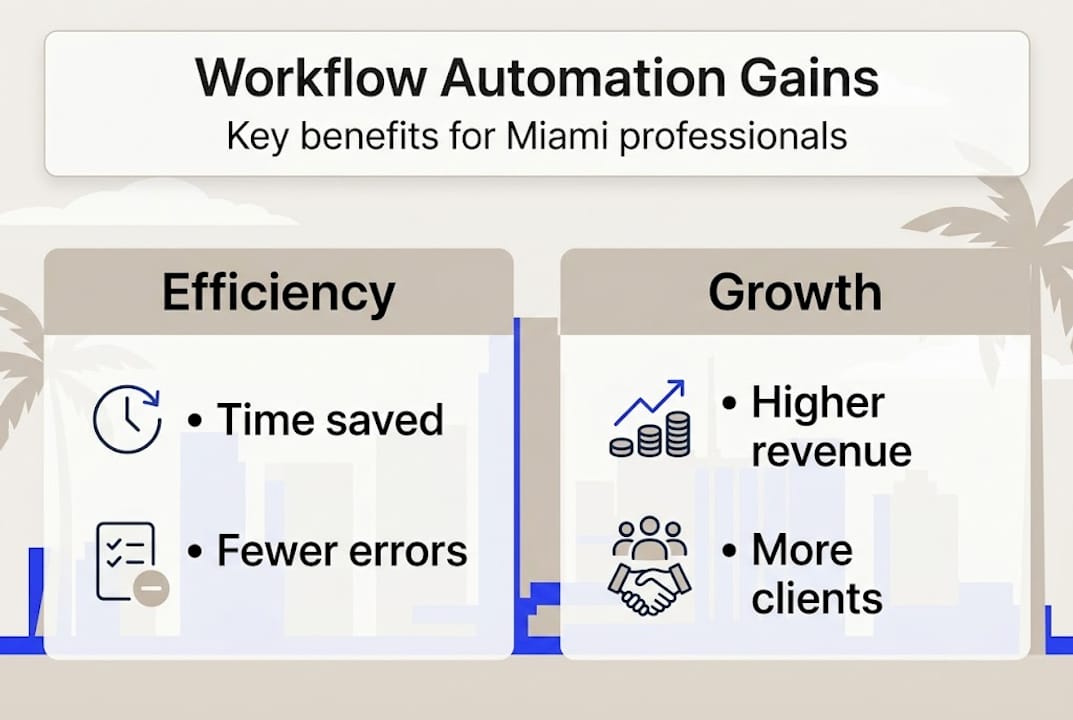
Here is how manual and automated workflows compare on the metrics that matter most:
| Workflow task | Manual approach | Automated approach | Time saved |
|---|---|---|---|
| Client intake | 45-60 min per client | 5-10 min per client | Up to 85% |
| Invoice generation | 20-30 min per invoice | Under 2 min | Up to 90% |
| Follow-up emails | Daily manual sends | Triggered automatically | 100% of task |
| Lead qualification | Staff time, inconsistent | Scored and routed instantly | 60-70% |
| Document creation | Template search + edits | Auto-generated with data | Up to 80% |
Top workflow automation tasks for Miami professionals include:
- Client intake forms and e-signature routing for attorneys and doctors
- Automated billing and invoice reminders for CPAs and law firms
- Appointment scheduling and confirmation sequences for medical practices
- Lead nurturing drip campaigns for CPA and legal prospecting
- Document assembly using client data already captured in your CRM
For practices ready to grow, scaling with workflow automation is one of the fastest ways to increase capacity without adding headcount. The key is knowing exactly which tasks to hand over to your tools and which ones still need a human touch. If you are exploring the strategic side, automation strategies for CPAs and lawyers offers a useful framework to start from.
Essential tools and requirements for Miami professionals
Understanding the definition and value lays the foundation. Next, see what tools and requirements Miami professionals need to get started.
Not every automation tool is built for regulated industries. Miami CPAs must meet IRS data security standards, attorneys operate under Florida Bar guidelines, and physicians must comply with HIPAA at every step. Automation requires proper oversight and periodic data quality checks to avoid costly errors, especially in compliance-heavy environments.

Here is a quick comparison of the main tool categories:
| Tool category | Top options | Best for | Key requirement |
|---|---|---|---|
| Client intake | Clio Grow, Karbon, Jane App | Attorneys, CPAs, doctors | HIPAA/compliance mode |
| CRM and lead management | HubSpot, Salesforce | All professionals | Custom pipeline stages |
| Billing automation | QuickBooks, Bill.com | CPAs, law firms | IRS-compatible reporting |
| Document generation | HotDocs, Lawyaw | Attorneys, CPAs | Template version control |
| Communication automation | ActiveCampaign, Mailchimp | All professionals | Opt-in compliance |
Before you commit to any tool, your requirements checklist should cover:
- Integration with your existing EHR, practice management, or accounting software
- Compliance certifications (HIPAA for medical, SOC 2 for financial data)
- Cloud access so your team can work remotely without workflow gaps
- Scalability as your client base grows without requiring a platform switch
- Human override controls on every critical automation path
Pro Tip: Never fully automate a flow without building in a manual review checkpoint. Even the best tools surface edge cases your rules did not anticipate. A checkpoint takes seconds but can prevent a costly mistake from reaching a client.
For a deeper look at which platforms perform best in 2026, best workflow automation software 2026 breaks down options by practice type. Miami professionals managing high-volume client files will also benefit from reviewing business process automation tools for CPAs to align tool selection with regulatory needs.
Step-by-step guide to automating your sales workflow
With your toolkit in place, here is exactly how to automate sales workflows, step by step.
- Map your current workflow. Write out every step from lead inquiry to closed engagement. Identify which steps are repetitive, which require judgment, and which cause the most delays.
- Select the right tools. Match tool capabilities to your compliance requirements. A Miami physician needs HIPAA-compliant intake; a CPA needs IRS-secure document storage.
- Build automations for low-risk tasks first. Start with intake forms, appointment reminders, and invoice triggers. These are high-volume and low-stakes, making them ideal starting points.
- Customize rules to your practice. Set triggers based on real client behaviors, such as form submissions, missed payments, or consultation completions, rather than generic templates.
- Implement human override checkpoints. On every automation that touches a client decision or financial transaction, add a manual review step before the action fires.
- Train your staff. Your team needs to understand which tasks are automated, where to intervene, and how to update rules when your practice changes.
- Monitor results for 30 days. Track time saved, error rates, and client satisfaction before expanding automation to more complex flows.
Warning: Complex branching overwhelms tools like HubSpot Flows. Never fully automate deal qualification or closing. These steps require context, relationship knowledge, and professional judgment that no tool can replicate.
Pro Tip: Keep your automation rules simple. One trigger, one action. Resist the urge to build elaborate conditional branches in the early stages. Simple automations are easier to audit, update, and fix when something goes wrong.
For real examples of what this looks like in practice, workflow automation examples for Miami CPAs shows how local firms have structured their flows. And for a broader view of execution, business process automation tips covers common implementation decisions that affect your results.
Troubleshooting common automation pitfalls
Automation is not foolproof. Here is how to sidestep common pitfalls and keep your workflows earning.
Most Miami professionals who struggle with automation are not using the wrong tools. They are using good tools incorrectly. The most frequent mistakes fall into four categories:
- Over-automation: Handing context-heavy decisions to software, like qualifying a high-value client or closing a sensitive case, where the tool lacks the relationship knowledge to act appropriately.
- Neglecting rule updates: Stale rules cause errors, especially after staff changes, service expansions, or regulatory updates. Rules written six months ago may no longer reflect your practice.
- Overlooked edge cases: Every workflow has exceptions. A client with multiple service needs, a referral from a different territory, or an unusual payment arrangement can break a simple rule tree.
- Data quality lapses: Automations are only as good as the data feeding them. Duplicate records, incomplete fields, and inconsistent naming conventions generate misfires that frustrate clients.
Pro Tip: Schedule a quarterly automation audit. Spend one hour reviewing triggered sequences, checking error logs, and gathering feedback from your staff. This single habit prevents the vast majority of automation failures before they reach a client.
Knowing when to override your automations is as important as building them. Any situation involving a territory swap, an unusually large deal, a dissatisfied client, or a compliance question should trigger a human review immediately. Automation handles volume. Your judgment handles value.
For workflow efficiency tips that address these common pitfalls directly, there are practical frameworks built around Miami practice types. If your goal is broader growth, scaling Miami practices covers how to expand automation responsibly as your client base grows.
The real secret to sustainable sales growth: Context is king
Most automation guides focus entirely on tools and triggers. We see something different in the practices that actually hit additional revenue milestones: they treat automation as a support system, not a replacement for professional judgment.
The professionals who fail with automation share a common pattern. They automate aggressively, reduce staff involvement, and assume the tool will handle exceptions. Over-automation fails on context-heavy tasks and requires human override to avoid costly mistakes. Miami’s market adds another layer. Your clients expect personalized service. A generic automated response to a high-value referral can cost you a relationship that took years to build.
The practices growing fastest are not the most automated. They are the most strategically automated.
Pro Tip: Customize your automation rules to reflect actual client segments in Miami. A Brickell-based corporate attorney has different expectations than a Homestead family practice physician. Build those distinctions into your triggers.
The path to doubling revenue with workflow automation runs through context, not just configuration. When your tools handle volume and your team handles judgment, you have built something that actually scales.
Unlock scalable growth with expert solutions
If you are ready to move from manual processes to a workflow system that consistently generates revenue, the right partner makes all the difference. We work with Miami CPAs, attorneys, and physicians to build automation strategies that are compliant, scalable, and designed around your specific practice.

From initial setup through scalable CPA workflow automation to full practice optimization, we handle the technology so you can focus on clients. Our technology consulting for accountants gives you tools that are already configured for your compliance requirements. And if you want a single partner for everything from automation to infrastructure, explore IT support and consulting in Miami and see how we help practices like yours land bigger clients and reclaim their time.
Frequently asked questions
What sales tasks can be safely automated for CPAs, lawyers, and doctors?
Client intake, document creation, time tracking, billing, follow-ups, and lead nurturing are ideal candidates for automation. Final deal qualification and closing always require human oversight to avoid context-related errors.
How much time can workflow automation save for Miami professionals?
Automation typically reduces intake time by up to 70% and recovers 20 to 30% of lost billable hours, adding 5 to 10 hours per week for revenue-generating tasks.
What are the biggest risks when automating sales workflows?
The key risks are over-automation of context-heavy tasks, stale rule sets, and failing to set human review checkpoints, all of which can produce costly mistakes that reach your clients.
Which sales workflow automation software works best for Miami pros?
The best tools integrate intake, billing, and compliance and allow custom checkpoints for human override. Workflow tools must allow compliance checks to be viable for regulated Miami professionals.



