

Refusing to modernize your technology is costing Miami CPAs real growth. Clients expect speed, access, and reliability, but those still chained to office-bound systems quickly lose ground to firms working in the cloud. Miami’s most successful independent CPAs use cloud computing to handle more clients, reduce IT headaches, and multiply revenue without adding staff. This guide cuts through the hype and explains the real fundamentals you need for sustainable practice growth in a competitive Miami market.
Table of Contents
- Cloud Technology Fundamentals For Miami CPAs
- Understanding Cloud Service Models
- Why On-Premise Systems Are Costing You Money
- The Foundation You Need Now
- Types Of Cloud Solutions In Accounting
- Accounting Software Platforms Worth Your Attention
- Understanding Deployment Models
- How Cloud Technology Works In CPA Firms
- The Infrastructure Behind Your Cloud Access
- How SaaS Applications Scale With Your Firm
- Data Access, Collaboration, And Security
- Regulatory Compliance And Data Security
- The Shared Responsibility Model
- Critical Compliance Requirements For CPAs
- Building Your Security Framework
- Why This Matters To Your Revenue Growth
- Risks, Costs, And Common Pitfalls For CPAs
- Data Security And Privacy Threats
- Cost Surprises That Drain Profit
- Integration And Compatibility Disasters
- Vendor Lock-In And Contract Traps
Key Takeaways
| Point | Details |
|---|---|
| Cloud Technology Benefits | Cloud computing allows CPAs to access software from anywhere, enables scalability, and reduces costs related to IT infrastructure. |
| Critical Cloud Service Models | CPA firms predominantly utilize Software as a Service (SaaS) solutions for accounting tasks, providing ease of use and automatic updates. |
| Importance of Compliance and Security | Understanding regulatory compliance and maintaining data security are vital for protecting sensitive client information in cloud environments. |
| Cost Management Awareness | CPAs should be mindful of potential hidden costs and integration challenges with cloud services to avoid financial surprises and inefficiencies. |
Cloud Technology Fundamentals For Miami CPAs
Cloud technology is not some distant future concept anymore. Your competitors in Miami are already using it to scale their practices, land bigger clients, and work fewer hours while making more money. If you don’t understand the basics, you’re falling behind.
Let’s be direct about what cloud technology actually means for your firm. Cloud computing is simply using servers and software hosted somewhere else instead of keeping everything on your office computers. You don’t need a data center in your basement. You don’t need IT staff managing physical machines. You access everything from anywhere, anytime, through the internet.
The core benefits come down to three things:
- Accessibility – Your team works from the office, home, or Miami Beach. Your clients upload documents anywhere. Everyone stays connected.
- Scalability – Add 10 new clients next month without buying expensive hardware or hiring more IT people.
- Cost efficiency – Pay only for what you use, when you use it. No massive upfront capital investments.
But here’s what matters most to you as a CPA: cloud technology lets you handle more clients without proportional growth in overhead. That’s the path to 7-8 figure revenue growth.
Understanding Cloud Service Models
Cloud services come in three flavors. Understanding each one helps you pick the right tools for your practice.
Software as a Service (SaaS) means you use applications through a web browser. Your accounting software, tax platform, client portal—all SaaS. You don’t install anything. Updates happen automatically. You focus on your clients, not IT maintenance.
Infrastructure as a Service (IaaS) gives you computing power and storage without owning servers. It’s like renting a computer instead of buying one. Most CPAs never deal with this directly.
Platform as a Service (PaaS) lets developers build custom applications without managing underlying infrastructure. This is rarely your concern unless you’re creating specialized tools.
Here’s the practical reality: as a Miami CPA, you’ll work almost entirely with SaaS solutions. That’s where the real value lives for your practice.
Here’s a quick overview of cloud service models relevant to accounting firms:
| Model Type | Typical Use Case | CPA Relevance |
|---|---|---|
| SaaS | Online applications for bookkeeping | High; most accounting work is SaaS-based |
| IaaS | Renting virtual computers or storage | Low; rarely needed directly for CPAs |
| PaaS | Custom app development environments | Very low; mainly for specialized software creation |
Why On-Premise Systems Are Costing You Money
You might still be running accounting software on computers in your office. Or relying on outdated systems that require constant IT maintenance. That’s expensive in ways you might not realize.
On-premise systems demand capital investment upfront. They require dedicated IT staff or expensive managed IT services. Software updates mean downtime. Adding new users means buying licenses and equipment. Security becomes your responsibility if something goes wrong.
Cloud-based systems eliminate these headaches. On-premise to cloud migration strategies can recapture thousands monthly in IT costs alone.
Consider what you’re actually paying for with legacy systems:
- Monthly IT support and maintenance
- Hardware replacement and upgrades
- Security patches and compliance management
- Limited remote work capability
- Slower access for clients and team members
The Foundation You Need Now
Cloud fundamentals rest on understanding core concepts like shared infrastructure, scalable services, and consumption-based pricing. You don’t need technical certifications. You need to grasp how these principles translate to your bottom line.
Your firm’s transformation starts with one question: are you still managing technology like you did 10 years ago? If yes, your competition is already winning.
Pro tip: Start by auditing your current systems and costs. Calculate what you’re spending on IT maintenance, on-premise servers, and legacy software. Compare that to cloud alternatives. The gap reveals hidden money you could redirect to growth.
Types Of Cloud Solutions In Accounting
Not all cloud solutions are created equal. Your choice matters because picking the wrong platform can trap you with limited features, poor integration, or scaling problems down the road. Let’s cut through the noise and look at what actually works for Miami CPAs building serious practices.
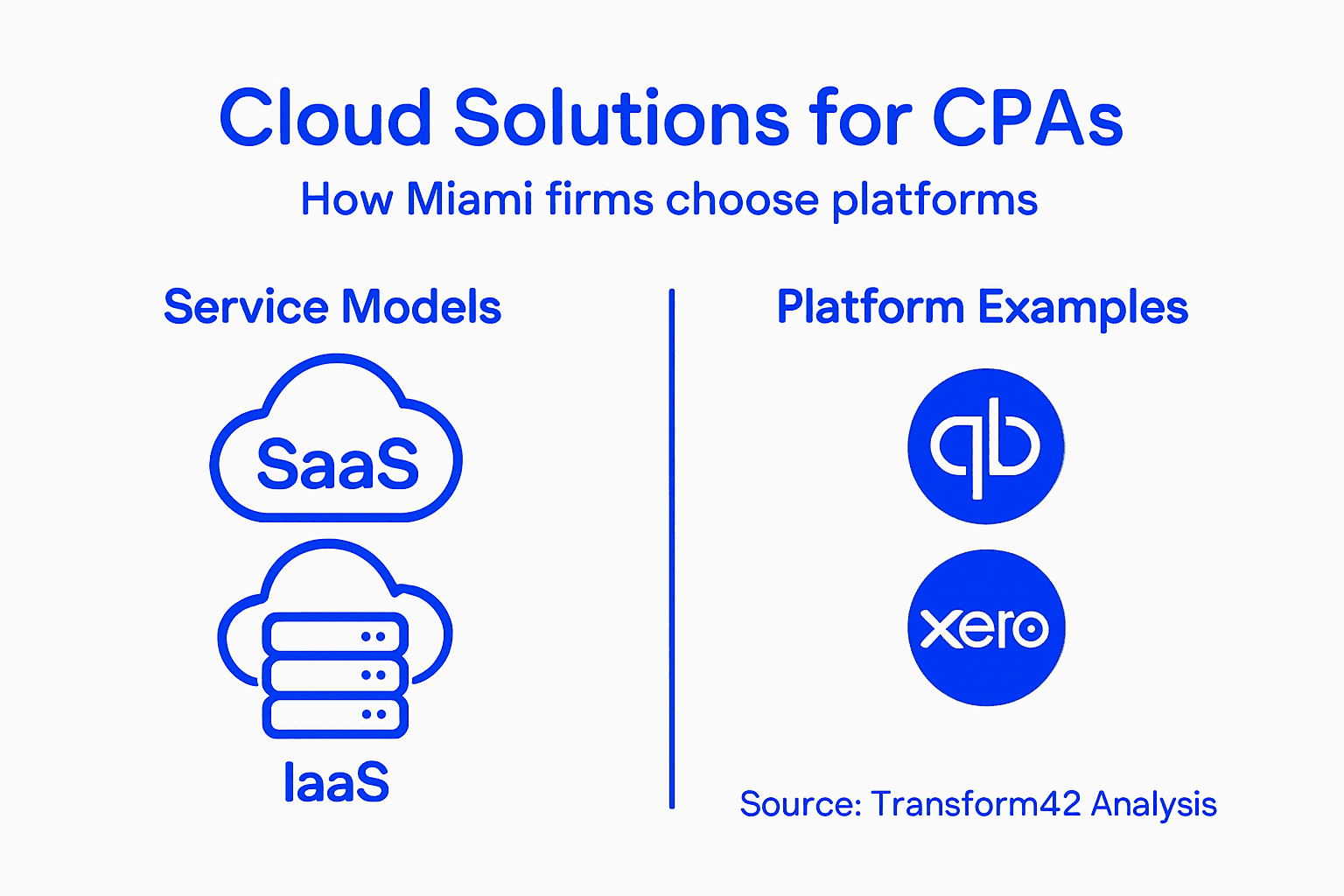
The cloud accounting space has exploded with options. Each solution targets different firm sizes and complexity levels. Some handle basic invoicing and expenses. Others manage multi-entity accounting, payroll, and compliance across jurisdictions. Understanding the differences prevents costly mistakes.
Accounting Software Platforms Worth Your Attention
You need to know the major players and what they actually do. These aren’t generic tools. They’re built specifically for accounting professionals.
QuickBooks Online dominates the small to mid-sized firm market. It handles core accounting, invoicing, expense tracking, and basic reporting. Most Miami CPAs use it for client bookkeeping because it’s familiar and integrates with hundreds of tools.
Xero serves firms wanting more control and customization. It excels at multi-currency support, which matters if you have international clients. The interface appeals to accountants who want precision over simplicity.
Zoho Books offers aggressive pricing with surprisingly robust features. Bank reconciliation, inventory management, and client portals come standard. It’s the underdog choice for CPAs maximizing their margin per client.
FreshBooks focuses on service businesses and time tracking. If your clients are consultants or contractors, FreshBooks handles their workflow better than traditional accounting software.
Sage Intacct serves larger practices managing multiple client companies. It’s enterprise-grade, meaning it scales to handle thousands of transactions daily without slowing down.
Below is a summary comparing leading cloud accounting platforms for Miami CPAs:
| Platform | Strengths | Ideal Firm Type |
|---|---|---|
| QuickBooks Online | Broad integration, easy setup | Small to mid-sized practices |
| Xero | Multi-currency, advanced controls | Firms with diverse or global clients |
| Zoho Books | Low cost, robust features | Margin-focused, smaller CPA firms |
| FreshBooks | Excellent time tracking, service focus | Firms serving consultants or freelancers |
| Sage Intacct | Scalable, strong compliance | Larger, multi-entity practices |
When evaluating cloud accounting software comparison tools, focus on features that matter for your specific client base. Invoicing speed doesn’t help if you need advanced compliance reporting.
Understanding Deployment Models
Beyond software selection, you need to understand how these systems are delivered. The deployment model affects security, control, and cost.
Public cloud is where your data lives on the vendor’s shared servers. QuickBooks Online and Xero operate this way. It’s the cheapest option but offers less control over your infrastructure.
Private cloud dedicates resources exclusively to your firm. Your data doesn’t sit alongside competitors’ information. This costs more but appeals to firms handling sensitive client data or operating in regulated industries.
Hybrid cloud splits workloads between public and private environments. You might run accounting in public cloud but keep sensitive tax data on private infrastructure. This balances cost and control.
Multicloud uses multiple vendors simultaneously. One platform for accounting, another for payroll, a third for document management. This prevents vendor lock-in but requires careful integration planning.
The right deployment model depends on your data sensitivity, client expectations, and growth trajectory. Most Miami CPAs start with public cloud and migrate to hybrid as complexity increases.
Your choice here affects everything. A firm managing high-net-worth clients’ tax strategies needs different cloud architecture than one focused on bookkeeping services.
Pro tip: Request trial access to platforms aligned with your service offerings before committing. Spend a week actually working with the software, not just reviewing features. You’ll discover usability issues that vendor demos hide.
How Cloud Technology Works In CPA Firms
Cloud technology in your firm isn’t magic. It’s a system that lets you access software, store files, and process data through remote servers instead of computers sitting in your office. Understanding how it actually works removes the mystery and helps you make smarter technology decisions.
Here’s the reality: your team connects to cloud applications through the internet. Your client uploads a tax document. It’s instantly available to everyone with access, from anywhere, on any device. No email chains. No USB drives. No waiting for files to sync.
The Infrastructure Behind Your Cloud Access
Cloud infrastructure consists of remote servers, storage systems, and networking equipment that make everything accessible. Think of it like renting a powerful computer system from a vendor instead of owning one yourself.
When you log into your accounting software, you’re connecting to servers operated by the vendor. Your data lives on their drives. Their networking handles data transfers. Their security systems protect your files. You don’t manage any of this infrastructure directly.
This setup eliminates the burden most CPA firms face. No more hiring IT staff to maintain servers. No more replacing hardware every few years. No more power outages shutting down your entire practice.
How SaaS Applications Scale With Your Firm
CPA firms now access over 100 different software applications through cloud-based platforms. This flexibility is critical during busy seasons when your workload spikes dramatically.

With cloud applications, you can add users instantly. Need five more team members during tax season? Click a button. Tax season ends? Remove users and reduce costs. Traditional software required purchasing licenses and hardware upfront, whether you needed them or not.
Scalability works in two directions. You grow your firm from 5 clients to 500 clients. The same software infrastructure handles both. You don’t upgrade servers or worry about performance degradation. The vendor’s infrastructure grows automatically.
Data Access, Collaboration, And Security
Your team works everywhere now. Home, office, client locations, coffee shops. Cloud technology makes this possible because everyone accesses the same current files simultaneously.
Client portals let customers upload documents directly. Your team reviews them instantly. Spreadsheets update in real-time when multiple people work on them. Communication happens faster because nobody waits for email attachments or file transfers.
Security actually improves with cloud systems. Professional vendors invest heavily in encryption, backups, and threat protection. Most Miami CPAs have weaker security than major cloud providers offer. Your data is safer in the cloud than on office computers.
Cloud infrastructure removes the technical burden from your firm, letting you focus on client work instead of managing servers and IT problems.
The cost structure changes too. Instead of huge capital investments in hardware, you pay monthly subscription fees. Budgeting becomes predictable. You know exactly what technology costs.
Pro tip: Map out your firm’s workflow before selecting cloud applications. Which tasks happen in which sequence? Which data must move between systems? This clarity prevents selecting tools that create more work than they eliminate.
Regulatory Compliance And Data Security
This is where cloud technology gets scary for Miami CPAs. You’re storing client tax returns, financial records, and sensitive personal information. One security breach doesn’t just cost you money. It destroys your reputation and could end your practice.
The stakes are higher with cloud systems because your data lives on someone else’s servers. You can’t see the locks. You can’t inspect the security infrastructure. You have to trust the vendor. That’s why understanding compliance and security isn’t optional anymore.
The Shared Responsibility Model
Here’s what most CPAs don’t realize: cloud providers share responsibility for security with you. The vendor handles infrastructure security. You handle access control, data encryption, and proper configuration. Miss your part and you’re liable.
This shared responsibility model between cloud providers and users defines what each party protects. The vendor secures their data centers. You ensure employees can’t access data they shouldn’t. The vendor protects servers. You configure backups properly.
You must understand your obligations. Ignorance isn’t a defense if client data leaks because you misconfigured your cloud system.
Critical Compliance Requirements For CPAs
Multiple regulatory frameworks apply to your practice. You can’t pick and choose which ones to follow.
GDPR affects you if you handle data for European clients or employees. Strict requirements around data residency, consent, and breach notification apply.
HIPAA matters if your clients include healthcare providers. Patient data requires encryption, access controls, and audit trails.
SOC 2 compliance verifies your systems handle client data securely. Many larger clients require SOC 2 certification before engaging your firm.
State regulations vary. Florida has specific requirements for data breach notification and consumer privacy protection.
IRS regulations dictate how you store client tax information. Improper storage could trigger audits or penalties.
Each framework has distinct requirements. Your cloud infrastructure must support all of them simultaneously.
Building Your Security Framework
The Cloud Security Alliance cybersecurity control framework covers 197 control objectives across data security, identity management, and governance. You don’t need to implement all of them, but you need to understand which ones apply to your firm.
Basic security controls every Miami CPA needs:
- Multi-factor authentication for all user accounts
- Encryption for data in transit and at rest
- Regular access audits to catch unauthorized permissions
- Automated backups with tested recovery procedures
- Employee security training and policies
- Incident response planning for breaches
- Vendor security assessments before implementation
Security isn’t one-time work. It’s continuous. Systems change. Threats evolve. Compliance requirements shift.
Your cloud provider’s security is excellent but insufficient. Your configuration and controls determine whether client data actually stays protected.
Why This Matters To Your Revenue Growth
A data breach stops everything. Clients leave. Lawsuits follow. Insurance costs spike. Your firm’s growth plan evaporates.
Proper compliance isn’t overhead. It’s insurance. It protects the practice you’re building. Clients trust you with their most sensitive information. Violating that trust ends your ability to scale.
Pro tip: Conduct a compliance audit with your cloud vendors before going all-in. Request their security certifications, incident response procedures, and data residency policies in writing. Have a lawyer review vendor agreements before signing. The upfront investment prevents catastrophic problems later.
Risks, Costs, And Common Pitfalls For CPAs
Cloud technology promises to transform your practice. But plenty of Miami CPAs have jumped in without understanding the real dangers. You can lose money fast. You can expose client data. You can lock yourself into systems that don’t work for your firm.
Knowing the pitfalls prevents costly mistakes. Most risks are preventable with proper planning and due diligence.
Data Security And Privacy Threats
Your biggest risk is client data exposure. Cloud systems store sensitive tax information, financial records, and personal identification details. One breach compromises everything.
Common cloud risks include data exposure from provider breaches, unauthorized access by vendor employees, and data loss from misconfiguration. These aren’t theoretical problems. They happen regularly across industries.
When your vendor gets breached, your data goes with them. When an employee mishandles access controls, client information leaks. When systems fail and backups don’t work, you lose years of client work permanently.
The reality that scares most CPAs: you’re liable. Your client’s lawsuit names you, not the cloud provider. Your insurance may not cover the breach. Your reputation takes damage you can’t undo.
Cost Surprises That Drain Profit
Cloud pricing seems cheap at first. Then your bill doubles without warning. Unexpected costs come from three places: scaling usage beyond projections, misconfigured systems that process data inefficiently, and unclear pricing models you didn’t understand when signing up.
You add users during tax season. The usage skyrockets. Your monthly bill goes from $500 to $3,000. You thought you understood the pricing. But hidden charges for data storage overage, API calls, and support tiers weren’t obvious.
Other firms have experienced massive bill shock. One CPA firm discovered they were paying for redundant storage because they misconfigured their backup system. Another paid premium support rates they never authorized.
Always ask your vendor for detailed cost scenarios. How much does adding 10 users cost? What happens if you process 50,000 transactions monthly instead of 5,000? Get numbers in writing.
Integration And Compatibility Disasters
You pick great accounting software. But it doesn’t integrate with your tax platform. Your client portal doesn’t connect to your accounting system. Suddenly you’re manually entering data in three places. You’ve created the problem you were trying to solve.
Poor integration planning wastes thousands in staff hours. Employees spend time transferring data between systems instead of serving clients. You’re paying for cloud technology that creates extra work.
Common pitfalls include:
- Selecting software platforms that don’t communicate with each other
- Choosing vendors without testing integration before committing
- Not planning for data migration from legacy systems
- Assuming APIs will work without testing them first
- Underestimating the complexity of connecting multiple vendors
Vendor Lock-In And Contract Traps
You select a platform. Build your entire practice around it. Then discover you can’t leave without losing years of client data or paying massive exit fees.
Vendor lock-in happens when you can’t easily export your data or when switching costs exceed the value of switching. Long-term contracts with termination penalties trap you. You’re stuck with inadequate software because leaving is too expensive.
Read vendor contracts carefully. Can you export your data in standard formats? What are termination fees? How much advance notice do you need to exit? These questions matter before problems arise.
The best time to plan your cloud strategy is before selecting your first vendor, not after you’re locked in and frustrated.
Implementing IT risk management practices helps you identify and mitigate these issues before they become expensive problems.
Pro tip: Create a vendor scorecard before selecting cloud platforms. Score candidates on security certifications, integration capabilities, pricing transparency, contract flexibility, and customer support. Compare scores across candidates. This discipline prevents emotional decisions that cost money later.
Unlock the Power of Cloud Technology for Your Miami CPA Practice
The article highlights the critical challenge Miami CPAs face in adopting cloud technology to scale efficiently, manage growing client demands, and maintain strict security and compliance without ballooning overhead. Key pain points include navigating complex cloud service models like SaaS, ensuring regulatory compliance, avoiding costly integration pitfalls, and overcoming outdated on-premise systems that drain profits. Your goal is clear Build scalable, secure, and compliant cloud capabilities that position your firm to land bigger clients and achieve 7-8 figure revenue growth without proportional hiring.
At Transform42 we specialize in helping Miami CPAs turn these challenges into strategic advantages. Our comprehensive approach integrates all your technology needs into one trusted partner so you can build cloud foundations that meet demanding compliance standards and secure client trust. We work closely with you to audit your current infrastructure, craft seamless migration strategies like on-premise to cloud migration, and implement IT risk management best practices that prevent costly security breaches and vendor lock-in.

Don’t let outdated technology and compliance risks hold your practice back. Harness the full potential of cloud solutions crafted specifically for Miami CPAs by visiting Transform42. Take the first step to scale confidently, protect sensitive data, and reclaim your time today.
Frequently Asked Questions
What is cloud technology for CPAs?
Cloud technology refers to using remote servers and software instead of keeping everything on local office computers. This allows CPAs to access applications and data from anywhere via the internet, enhancing accessibility, scalability, and cost efficiency.
How does cloud computing benefit CPA firms?
Cloud computing benefits CPA firms by enabling them to work from various locations, easily scale their services without significant upfront investments, and only pay for the software and services they use, leading to lower operational costs.
What are the main cloud service models relevant to accountants?
The main cloud service models relevant to accountants are Software as a Service (SaaS), which provides applications through a web browser, Infrastructure as a Service (IaaS), offering computing power and storage, and Platform as a Service (PaaS), which supports custom app development. Most CPA firms utilize SaaS solutions for their accounting tasks.
What should CPA firms consider when moving to cloud solutions?
CPA firms should consider data security and compliance with regulations, the integration capabilities of selected software, the costs associated with usage, and potential vendor lock-in issues. It’s essential to audit current systems and assess how cloud solutions can improve efficiency and reduce costs.
Recommended
- Digital Transformation For CPAs: Miami’s Revenue Advantage
- 7-Step Digital Transformation Checklist For Miami CPAs – Stratgetic IT Consultants For Accountants
- 7 Digital Transformation Best Practices For Miami CPAs – Stratgetic IT Consultants For Accountants
- Digital Transformation Consulting: Impact For Miami CPAs
- Virtual CFO: Transforming Financial Leadership for Founders



