

Protecting confidential client data can feel overwhelming for Miami CPAs and accounting firm owners when technology and regulations seem to change daily. Hackers specifically target CPA firms because they know you hold valuable financial and personal data, while complex systems and vendor connections often hide unseen risks. Understanding your current weaknesses is the first step toward building a defense that truly keeps your clients safe and sustains your bottom line. In the following steps, you will find actionable methods for strengthening your firm’s cyber security foundation.
Table of Contents
- Step 1: Assess Current Technology And Security Risks
- Step 2: Implement Multi-Layer Security Protocols
- Step 3: Train Staff On Secure Data Handling
- Step 4: Verify Compliance And Test Defenses
Quick Summary
| Key Point | Explanation |
|---|---|
| 1. Assess your technology risks | Take inventory of all systems and identify security gaps to protect sensitive client data effectively. |
| 2. Implement multi-layer security | Use multi-factor authentication and encryption to strengthen defenses against potential cyber threats. |
| 3. Train all employees on security | Provide regular training on recognizing threats like phishing to ensure every team member contributes to security. |
| 4. Regularly test and verify defenses | Conduct audits and simulations to check compliance and the effectiveness of your security measures regularly. |
Step 1: Assess current technology and security risks
You can’t protect what you don’t understand. Before you make any changes, you need a clear picture of your current technology setup and where the weak spots are. This assessment becomes your roadmap for strengthening your defenses and keeping your clients’ sensitive data safe.
Start by taking inventory of all the systems and tools your firm currently uses. Write down every application where client data lives, from accounting software to email systems to cloud storage. Document who has access to each system and what information they can see. This seems tedious, but it’s the foundation everything else sits on.
Next, identify your actual security gaps. Ask yourself these tough questions:
- Which systems have outdated passwords or shared login credentials?
- Are client files stored on local computers, USB drives, or unencrypted cloud accounts?
- Do you back up data regularly, and have you tested whether you can actually restore it?
- Which employees handle the most sensitive information, and what training have they received?
- Are there any legacy systems still running that you’ve stopped maintaining?
Hackers specifically target CPA firms because they know you hold valuable financial and personal data. They understand that smaller firms often have fewer defenses than large corporations, making you an easier target.
Now look at your vendors and third-party connections. Do you use payroll services, tax software, or document management tools that integrate with your main systems? Each connection is a potential entry point. The complexity of modern cybersecurity risks means you need to understand every connection your data makes.
Create a simple spreadsheet documenting your technology landscape. Include system names, where data is stored, who uses it, and your gut feeling about its security. Rate each area as low, medium, or high risk based on what you’ve learned. Be honest here. If something feels unsafe, it probably is.
Your assessment reveals not just current problems, but prevents expensive breaches before they happen.
This inventory becomes your reference point for everything you’ll do next. When you can see where your vulnerabilities actually are, you can address them strategically instead of randomly.
Here’s a summary of common technology risks and their typical impact levels on CPA firms:
| Technology Area | Typical Risk Example | Potential Impact on Firm |
|---|---|---|
| Email Systems | Outdated passwords | Compromised client information |
| Cloud Storage | Unencrypted files | Data theft or leakage |
| Legacy Applications | Unpatched software vulnerabilities | Unauthorized system access |
| Third-Party Vendors | Weak integration controls | External data breach risk |
| Backup Solutions | Incomplete or untested backups | Loss of critical client data |
Pro tip: Schedule this assessment when you have uninterrupted time, then set a quarterly reminder to update it as you add new tools or change systems—threats evolve, and your inventory should too.
Step 2: Implement multi-layer security protocols
One lock on your front door isn’t enough. Your security needs multiple layers so that if one fails, others still protect your clients’ data. Think of it like layers in a defense system where each one catches different types of attacks.

Start with multi-factor authentication on every account that matters. This means requiring something you know (a password) plus something you have (a code from your phone or an app). When an employee logs into their accounting system or email, they enter their password and then a time-sensitive code. This stops hackers even if they steal a password.
Next, implement encryption for data both in motion and at rest. Encryption scrambles your information so it’s useless to anyone without the key. Encrypt files on your servers, in cloud storage, and especially when data travels between systems. This protects client information whether it’s sitting in a database or moving across the internet.
Multi-layer security approaches must include several connected defenses working together:
- Network monitoring to watch for suspicious activity and unusual access patterns
- Strict access controls so employees only see data they actually need for their job
- Endpoint protection on every computer and device that connects to your network
- Employee training focused on spotting phishing emails and social engineering attempts
- Secure backups stored separately from your main systems so you can recover if ransomware hits
Think about your email specifically. Phishing attacks targeting accountants look incredibly realistic. Your team needs social engineering awareness training to recognize when attackers pretend to be clients or vendors. One person clicking the wrong link can compromise your entire firm.
Document everything you implement. Write down which systems have encryption, who has multi-factor authentication enabled, and which employees completed training. This documentation helps you stay compliant with regulations and shows clients you take their data seriously.
Layered defenses work because attackers rarely have the skill set to penetrate multiple security levels at once.
This isn’t about buying expensive tools. It’s about connecting what you already have in smarter ways and closing the obvious gaps.
The table below highlights the business benefits of multi-layer security protocols:
| Security Layer | Key Benefit | Business Outcome |
|---|---|---|
| Multi-factor Authentication | Reduced unauthorized access | Stronger account protection |
| Encryption | Data privacy in storage and transit | Lower risk of data exposure |
| Employee Training | Improved phishing detection | Fewer successful attacks |
| Network Monitoring | Early threat detection | Faster incident response |
| Secure Backups | Reliable recovery from attacks | Minimized operational downtime |
Pro tip: Start with email and accounting software since those touch the most sensitive client data, then expand to other systems as your security matures.
Step 3: Train staff on secure data handling
Your employees are either your strongest defense or your biggest vulnerability. One person opening a malicious email attachment can undo all your technical security measures. Training transforms your team into security-conscious professionals who actively protect client data.
Start by making security training mandatory for every employee, not just IT staff. Your bookkeepers, tax preparers, and administrative assistants all handle sensitive client information. They need to understand why security matters and what threats look like in real situations. Generic online training modules work, but personalized training specific to your firm works better.
Focus on the threats your team actually faces. Phishing threat recognition is critical because attackers specifically target accountants with convincing emails. Show your employees real examples of phishing attempts targeting CPA firms. These emails often pretend to be from clients, banks, or software vendors. Train people to spot the red flags, like unusual requests for wire transfers or urgent demands for passwords.
Cover these essential topics in your training:
- Password management so employees create strong passwords and never share them
- Secure communication protocols for sending sensitive information over email or messaging
- Incident reporting procedures so people know how to report suspicious activity immediately
- Data storage rules about which information goes where and who can access it
- Social engineering tactics used to manipulate employees into revealing information
Make training continuous, not a one-time event. Effective cybersecurity training requires regular updates because threats evolve constantly. New attack types emerge monthly. Schedule quarterly refresher sessions and bring in new scenarios to keep people engaged.
Test what people actually learned. Send simulated phishing emails to your team and track who clicks suspicious links. Use those results to identify staff who need extra coaching. This isn’t about punishment. It’s about finding where your training gaps are so you can close them.
People make mistakes, but trained people make far fewer of them.
Documentation matters here too. Keep records showing when employees completed training and what topics they covered. This protects you if regulators ask questions and proves you’re taking compliance seriously.
Pro tip: Schedule training right after onboarding new employees, then follow up with refreshers every quarter aligned with current threats your firm has seen.
Step 4: Verify compliance and test defenses
You’ve built your security systems. Now you need to verify they actually work. Testing reveals gaps that sound good in theory but fail in practice. Compliance verification proves you’re meeting regulatory requirements and protecting client data properly.
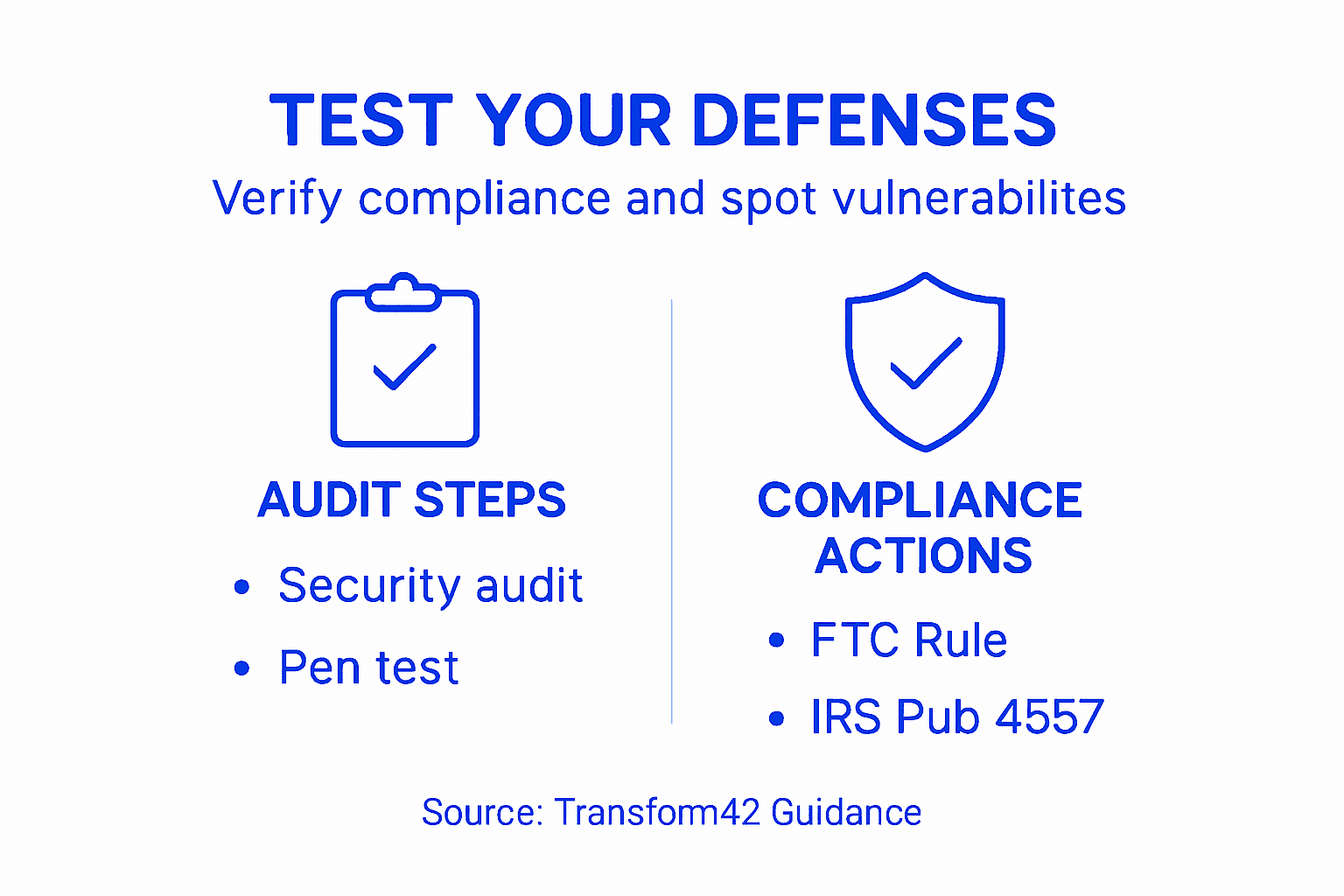
Start by understanding which regulations apply to your firm. The FTC Safeguards Rule and IRS Publication 4557 set minimum security standards for CPA firms handling client data. Review these requirements and compare them against what you’ve already implemented. Document any gaps so you know exactly what still needs work.
Conduct a security audit of your systems and processes. Walk through your actual workflows and identify where sensitive data lives. Check that encryption is enabled, access controls are working, and backups are running reliably. This isn’t a one-time event. Schedule annual audits and follow up on findings immediately.
Testing your defenses means simulating real attacks. Penetration testing in cybersecurity involves hiring security professionals to attempt breaking into your systems. They try phishing emails, attempt network access, and look for weaknesses you might have missed. This controlled testing reveals vulnerabilities before criminals find them.
Your testing program should include:
- Simulated phishing campaigns sent to your staff to see who clicks malicious links
- Network vulnerability scans that identify exposed systems and outdated software
- Access control testing to verify employees can only reach data they need
- Backup restoration drills to confirm you can actually recover from ransomware attacks
- Incident response exercises so your team knows what to do when something goes wrong
Document everything. Create a compliance checklist showing which regulations you meet and how. When you test defenses, record the results and the actions you took to fix problems. This documentation demonstrates you take security seriously if a regulator or client asks questions.
Schedule testing regularly. Threats change, you add new systems, and employees turn over. What passes testing this year might fail next year. Make testing part of your annual calendar, not something you do once.
Testing under controlled conditions prevents panic during real emergencies.
Share results with your team carefully. You want to motivate improvement, not embarrass people. Use testing data to identify training needs and system improvements, not to blame individuals.
Pro tip: Start with phishing simulations and backup restoration drills since they’re relatively simple, then schedule professional penetration testing annually to catch sophisticated threats your internal team might miss.
Strengthen Your CPA Firm’s Cybersecurity with Expert Technology Partnership
The article highlights the urgent challenges CPA firms face protecting sensitive client data from evolving cyber threats like phishing, ransomware, and unauthorized access. Key pain points include securing multiple systems, implementing multi-factor authentication, continuous staff training, and verifying compliance with industry standards. These are complex tasks that demand strategic technology solutions that reduce risk without draining your firm’s resources or disrupting workflow.

At Transform42, we specialize in empowering Accountants to build resilient, multi-layered security frameworks rooted in technology you can trust. Our all-in-one approach helps you manage encryption, employee training, backup solutions, and network monitoring so you can meet regulatory compliance and protect your clients’ most valuable data. Stop worrying about security gaps and start focusing on growing your client base with confidence. Visit Transform42 today to get started, and explore how we help lawyers, doctors, and accountants grow monthly revenue into multiple seven-figure ranges by turning technology into a strategic advantage.
Take control of your cybersecurity now. Visit Transform42 to partner with experts who understand the unique threats CPA firms face and deliver tailored solutions that scale with your growth.
Frequently Asked Questions
What steps should I take to assess my firm’s current technology security risks?
Begin by inventorying all systems and tools your firm uses that contain client data. Document access levels and identify outdated passwords, unencrypted storage, and systems needing regular backups within 30 days.
How can I implement multi-layer security protocols effectively?
Start by enabling multi-factor authentication on all key accounts to add an extra layer of protection. Then, prioritize data encryption and regular employee training to significantly reduce potential breaches over time.
What topics should be included in my staff’s cybersecurity training?
Cover essential topics such as password management, secure communication, incident reporting, and data storage protocols. Schedule training sessions quarterly to keep your team aware of evolving threats and best practices.
How can I verify compliance and test my firm’s cybersecurity defenses?
Conduct regular security audits and penetration tests to identify vulnerabilities in your systems and processes. Document your findings and implement corrective actions within 60 days to ensure ongoing compliance and protection for client data.
What types of threats should my CPA firm be particularly aware of?
Be vigilant about phishing attacks, particularly those targeting accountants with deceptive emails. Train your staff to recognize red flags and encourage immediate reporting of suspicious activity to minimize risk.



