

Miami doctors, lawyers, and accountants are leaving serious money on the table. Admin complexity is growing, client volume is surging, and manual processes are quietly draining revenue every single day. The good news? Workflow automation can boost efficiency by 20-300% depending on your field, and Miami practices are already proving it. This guide walks you through exactly what workflow automation is, how it applies to your profession, which tools to use, and how to measure results you can actually take to the bank.
Table of Contents
- What is workflow automation and why does it matter?
- How workflow automation transforms Miami’s top professions
- Workflow automation essentials: Tools, platforms, and integration
- Step-by-step: How to automate workflows in your practice
- Avoiding common automation mistakes and troubleshooting tips
- Measuring automation ROI: Benchmarks and results you can expect
- Unlocking your next level: Workflow automation solutions for Miami practices
- Frequently asked questions
Key Takeaways
| Point | Details |
|---|---|
| Automate to scale fast | Workflow automation can double revenue, cut losses, and scale practices with minimal new headcount. |
| Proven Miami success | Local firms have saved millions and gained efficiency by adopting AI and RPA-based automation. |
| Choose the right tools | Success depends on integrated platforms, proper process mapping, and end-user training. |
| Benchmark results | Track KPIs and compare against sector data to prove and improve your ROI. |
| Avoid common mistakes | Skip no steps—map, pilot, and train for lasting automation success. |
What is workflow automation and why does it matter?
Workflow automation means using software, AI, or robotic process automation (RPA) to handle repetitive business tasks without human intervention. Think scheduling, billing, documentation, and client intake. These are the processes that eat your staff’s time and your firm’s profit margin every week.
The immediate wins are real and measurable:
- Faster patient and client scheduling with zero phone tag
- Automated billing that reduces errors and speeds up collections
- Documentation that writes itself using voice AI or smart templates
- Error reduction that protects your practice from costly compliance issues
The business value compounds fast. A workflow automation overview shows that firms consistently report more clients served per staff member, doubled revenue, and dramatically lower overhead. The numbers from real implementations are striking: 25-30% improvement in claims processing, 300% productivity gains in legal, and 120 or more hours per month saved in accounting. And 69% of AI adopters report direct revenue impact.
“The question is no longer whether to automate. It’s how fast you can do it before your competitors do.”
Miami is not waiting. Leon Medical Centers, Baptist Health, and leading local law and accounting firms have already captured multimillion-dollar gains by choosing to automate workflows strategically. Now let’s look at what that looks like profession by profession.
How workflow automation transforms Miami’s top professions
Every profession has its own automation sweet spots. Here is where the biggest gains are hiding.
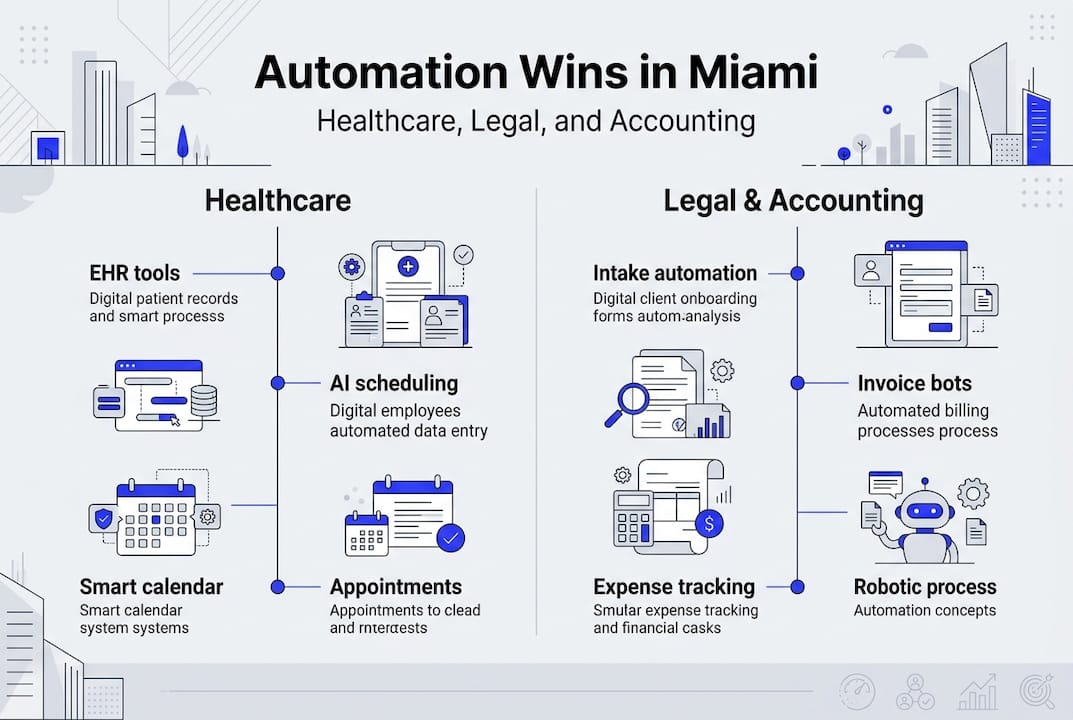
Healthcare: AI-powered EHR tools, scheduling bots, and speech recognition like Dragon Medical One have reached 89% physician adoption at leading Miami clinics. Doctors save 47 minutes per day on documentation alone. Voice AI drives 95% physician response rates. One clinical documentation improvement program generated a $45M revenue increase for a single health system.

Legal: Client intake automation and case workflow tools like Clio and Lawmatics eliminate manual follow-up and reduce missed deadlines. Efficient small firms are doubling revenue while cutting $120,000 to $180,000 in annual overhead. Real-time reporting gives partners visibility they never had before.
Accounting: RPA handles data entry, invoice processing, and tax workflows with near-zero error rates. Setup costs range from $25,000 to $250,000, but 120 or more hours per month saved and ROI timelines of 6 to 18 months make it a straightforward business case. See workflow automation examples and automation strategies for CPAs and lawyers to see how peers are structuring their rollouts.
| Profession | Key automation win | Revenue impact | Time saved |
|---|---|---|---|
| Healthcare | EHR, billing, scheduling | $45M CDI gain | 47 min/day |
| Legal | Intake, case management | 2x revenue | $120K-$180K/yr saved |
| Accounting | RPA, tax workflows | 10x efficiency | 120+ hrs/month |
Pro Tip: Start with the single most painful manual process in your practice. One well-automated workflow often pays for the entire implementation within the first quarter.
Also worth noting: invoice automation benefits extend beyond accounting. Law firms and medical practices that automate invoicing report faster collections and fewer disputes.
Workflow automation essentials: Tools, platforms, and integration
Choosing the right platform is where many practices stumble. The good news is that proven, sector-specific tools already exist for Miami professionals.
Top platforms by profession:
- Legal: Clio for case management, Lawmatics for intake automation
- Healthcare: Epic for EHR integration, Dragon Medical One for voice AI
- Accounting: CCH Axcess for tax workflows, QuickBooks with RPA connectors for bookkeeping
Integrated solutions like Clio, Epic, and CCH Axcess speed up deployment and adoption significantly. Agentic AI is now at a tipping point for CPA firms, meaning the tools are mature, the ROI is proven, and the risk of waiting is growing.
When evaluating any platform, your checklist should include:
- End-to-end security and HIPAA or data compliance support
- User training resources and onboarding support
- Real-time reporting and audit trails
- Native AI and RPA integration capability
- Cloud or hybrid deployment options for Miami regulatory compliance
Explore automation software for Miami CPAs and review automation steps for Miami practices to match tools to your specific workflow needs. For broader context, automation for professional services outlines how firms across industries are structuring their technology stacks.
Step-by-step: How to automate workflows in your practice
Here is a clear, repeatable process that works for doctors, lawyers, and accountants alike.
- Identify automation candidates. Look at intake, billing, reconciliation, scheduling, and document generation. These are almost always the highest-volume, lowest-value tasks draining your team.
- Map your workflows and set goals. Document each step of the process before you touch any software. Define what success looks like: time saved, error rate, revenue recovered.
- Select and configure your platform. Match tools to your profession and ensure compliance with Florida and Miami-specific standards. Do not skip the compliance review.
- Pilot test and train your staff. Run a controlled test with a small team before full rollout. Workflow assessment, process mapping, and pilot testing are mission-critical for ROI. Training is not optional.
- Monitor, measure, and adjust. Track your KPIs weekly for the first 90 days. Automation is not set-and-forget. Ongoing tuning is where the compounding gains come from.
Pro Tip: Involve your front-line staff in steps 1 and 2. They know exactly where the bottlenecks are, and their buy-in during pilot testing dramatically reduces resistance later.
For a deeper walkthrough, visit automate business processes in Miami. If you need external support during rollout, outsourcing support for automation can bridge gaps in internal capacity.
Avoiding common automation mistakes and troubleshooting tips
Even well-funded practices make avoidable mistakes. Here is what to watch for.
The most common pitfalls:
- Skipping workflow mapping and jumping straight to tool selection
- Choosing a platform based on price alone without evaluating integration depth
- Underestimating training time and budget
- Not involving the practitioners and staff who will actually use the system
- Failing to test for compliance edge cases before going live
Common missteps include skipping mapping, hasty tool selection, and not training staff. Gordon Law’s case study is a clear example: their intake automation succeeded specifically because they mapped every step and trained every user before launch.
“Automation amplifies what already exists. If your process is broken, automation makes it break faster and at scale.”
For Miami practices, compliance testing is especially critical. Clinical claims, legal documents, and ledger posts all carry regulatory weight. A failed compliance check post-launch is far more expensive than a thorough pre-launch audit. Use workflow efficiency boost tips to build a compliance-first automation culture from day one.
Measuring automation ROI: Benchmarks and results you can expect
You cannot manage what you do not measure. Here are the KPIs that matter most and the benchmarks to compare against.
Key metrics to track:
- Hours saved per staff member per month
- Error rate reduction in billing, documentation, or data entry
- Revenue increase per quarter post-automation
- Workflow adoption rate across your team
- Client satisfaction scores and response times
| Metric | National benchmark | Miami leader result |
|---|---|---|
| Time saved | 40-120 hrs/month | 120+ hrs/month |
| Revenue impact | 20-100% increase | 2x revenue (legal) |
| Error reduction | 25-30% | 30%+ claims improvement |
| ROI timeline | 6-18 months | As fast as 1 quarter |
Legal firms double revenue, doctors save 47 minutes per day, and accountants reach 10x efficiency. These are not projections. They are documented results from firms that committed to the process. Compare your own numbers against automation benchmarks for Miami CPAs to see where you stand and where the biggest opportunity gaps are. For additional context, workflow automation benchmarks provide a broader industry view.
ROI compounds over time. The practices that started automating 18 months ago are now scaling without proportional hiring. That gap between them and manual-process competitors grows every month.
Unlocking your next level: Workflow automation solutions for Miami practices
You have seen the data. You know the steps. Now the question is execution speed. Partnering with experts who specialize in Miami’s regulatory environment and professional service workflows removes the guesswork and de-risks the entire change management process.

We work with doctors, lawyers, and accountants across Miami to build automation systems that are compliant, scalable, and built for 7 to 8 figure revenue growth. Whether you need automation workflow for scalable CPA growth, IT services for doctors, or a full suite of technology solutions for professionals, we bring all your technology into one strategic partner. You focus on your clients. We handle the systems that scale your practice.
Frequently asked questions
What are the first steps to start workflow automation in a Miami practice?
Begin by assessing your most repetitive tasks, mapping each workflow step by step, and selecting an integrated platform that meets Florida compliance standards. Workflow assessment and mapping are the foundations of successful automation.
How much does workflow automation cost and how fast is ROI?
Implementation costs typically range from $25,000 to $250,000 depending on practice size and complexity, with most firms achieving full ROI within 6 to 18 months.
What are typical mistakes to avoid with workflow automation?
The biggest mistakes are skipping process mapping, neglecting user training, and under-testing for compliance before launch. Common automation pitfalls consistently trace back to rushing the planning phase.
Which Miami-specific platforms or partners are best for healthcare, legal, or accounting?
Clio, Epic, CCH Axcess, and Dragon Medical One are the platforms with high adoption rates and the strongest documented results among Miami clinics, law firms, and accounting practices.



