Choosing the right tools for your accounting or legal firm means the difference between constant troubles and smooth daily workflows. Some solutions promise faster work, while others focus on keeping data safe or making work easier for everyone. With so many options vying for attention, each with its own strengths, it can be tough to know what would really make a difference for your team. Curious which ones deliver on their promises and which features are actually worth your time? The answers might surprise you.
Table of Contents
Transform 42

At a Glance
Transform 42 is a focused IT support and technology services partner built for Miami accounting and tax firms that want to scale with confidence. It combines proactive IT support, automation and AI integration, and strategic vCIO consulting to help firms win larger clients, increase capacity, and stay compliant. The offering centers on reliability and risk reduction — with service-level commitments that remove operational uncertainty so you can concentrate on client work.
Core Features
Transform 42 delivers a concise set of capabilities tailored to accounting practices: proactive IT support designed for firm workflows; automation and AI integration that reduce repetitive work while managing implementation risk; vCIO strategic consulting to align technology with growth goals; cloud backup and security solutions for data integrity and compliance; and hands-on adoption support for new tools and platforms. Each feature is described as a service meant to mesh with accounting processes rather than force a generic IT template onto your firm.
Pros
- Specialized accounting focus: The services are built specifically for accounting and tax firms, ensuring support and recommendations align with your regulatory and workflow needs.
- Scales without proportional hiring: Transform 42 helps firms increase client capacity and operational throughput without adding staff at the same rate.
- Productivity through automation: Automation and AI are used to streamline routine tasks, freeing professionals to focus on advisory and client service.
- Compliance-first security: Cloud backup and security solutions prioritize data integrity and regulatory compliance for sensitive financial data.
- Seasoned leadership: The founder’s military and consulting background informs a disciplined, accountability-driven approach to service delivery.
Who It’s For
Transform 42 is ideal for small to medium-sized accounting and tax firms in Miami that need a trusted technology partner rather than one-off break-fix vendors. If you want to attract larger clients, reduce operational risk, and adopt modern tools without derailing daily operations, this service is designed for you. Firms that value predictable uptime, fast response, and a strategic roadmap for tech adoption will benefit most.
Unique Value Proposition
We don’t just manage IT—we align vision and strategy with your business goals. For Miami accounting firms, that means ironclad compliance, nonstop reliability, and absolute peace of mind. With 99.99% uptime and guaranteed 15-minute response times, we eliminate unplanned downtime, regulatory penalties, and security risks. And here’s our promise: if we fall short, you don’t pay—we cover the cost. That commitment transforms IT from a cost center into a competitive advantage: you get enterprise-grade reliability and a vCIO-guided strategy tailored to accountant workflows, which reduces risk, accelerates cloud and AI adoption, and positions your firm to pursue higher-value engagements. In short: the combination of compliance focus, SLA-backed uptime, and rapid response differentiates Transform 42 from generalized IT providers.
Real World Use Case
A Miami accounting firm engaged Transform 42 to modernize infrastructure, automate repetitive tax workflows with AI, migrate to a secure cloud ERP, and implement continuous backup and recovery. The result: the firm expanded client capacity, shortened turnaround times, and improved compliance posture without hiring additional staff — measurable operational gains delivered through coordinated IT and advisory work.
Pricing
Pricing is not specified on the website; Transform 42 appears to tailor packages to firm size and needs, which is consistent with its strategic vCIO and managed-service approach.
Website: https://transform42inc.com
Karbon
At a Glance
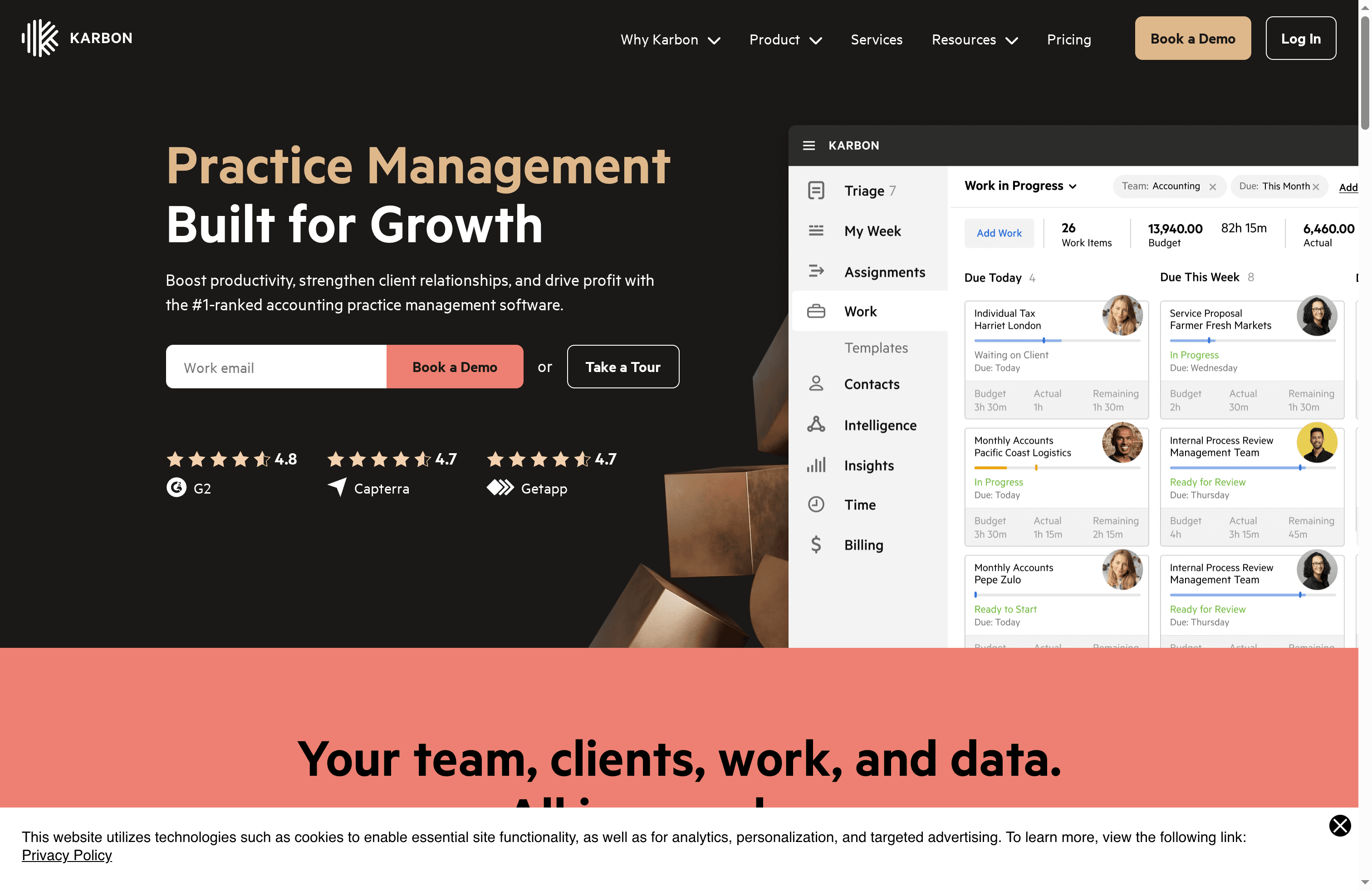
Karbon is a practice management platform built to help accounting firms grow by improving productivity, client relationships, and profitability. It combines automation, collaboration, and project management into a single workspace, and users consistently praise its automation and integration capabilities. For firms ready to modernize workflows, Karbon accelerates routine work and reduces friction. Smaller practices should weigh the cost versus immediate ROI.
Core Features
Karbon centralizes core practice functions for accounting teams: practice management designed for accounting firms, automation of tasks and workflows, team collaboration tools, and client management with a client portal. It also includes document management and storage automation, time tracking and budgeting, billing and payment processing, integrations with various apps and ecosystems, enterprise-grade security and compliance, and advanced reporting and insights. The product is positioned as an all-in-one hub so teams can track work, store documents, invoice clients, and pull operational reports without switching between disconnected tools.
Pros
- Powerful automation that saves time: Users report that Karbon’s automation reduces repetitive work and frees staff for higher-value tasks.
- Strong collaboration features for hybrid teams: Built-in team communication and shared workflows make it easier for remote and in-office staff to stay aligned.
- Comprehensive practice management coverage: Karbon addresses multiple firm needs in one platform, from project management to billing and reporting.
- Dedicated support and training: The platform provides training and support options so firms can onboard teams and adopt advanced features more quickly.
- Measurable time and cost savings: Users have reported significant reductions in time spent on manual tasks, which translates to direct cost savings for the firm.
Cons
- Pricing can be steep for smaller firms: The per-user cost may be difficult for solo practitioners or very small shops to justify without a clear short-term ROI.
- Feature complexity requires training: Fully leveraging automation and advanced workflows may demand time and structured training for staff.
- Higher-tier features behind premium plans: Some capabilities are only available at upper plan levels, meaning firms may need to upgrade to access the full feature set.
Who It’s For
Karbon is ideal for accounting firms of various sizes that want to modernize and automate practice management processes. It particularly suits firms seeking extensive automation, collaboration, and integration capabilities—teams that handle recurring client work, need centralized document control, and want better visibility into time and profitability.
Unique Value Proposition
Karbon’s unique value is the combination of deep automation with broad practice management coverage and enterprise-grade security. Instead of piecing together multiple apps, firms get a centralized workspace that reduces handoffs, shortens turnaround, and fosters consistent client service.
Real World Use Case
A mid-sized accounting firm uses Karbon to automate recurring task lists, route client documents into secure storage, collaborate on tax and advisory engagements in real time, and produce advanced reports that highlight bottlenecks. The result: faster delivery, fewer missed deadlines, and improved client responsiveness.
Pricing
Team plan: $59 per user per month (billed annually) or $79 per user per month (billed monthly). Business plan: $89 per user per month (billed annually) or $99 per user per month (billed monthly). Enterprise pricing is custom.
Website: https://karbonhq.com
Canopy

At a Glance
Canopy is a focused platform built to support legal research, legal operations, and document management for legal teams. It presents a centralized environment that aims to reduce friction in legal workflows and help legal professionals organize research and paperwork in one place. While the product promises efficiency gains and a user-friendly interface, the publicly provided information is limited on specifics such as detailed feature depth and pricing. Bottom line: Canopy looks well suited to teams that need a consolidated legal workspace, but you should request a demo or detailed spec sheet before committing.
Core Features
Canopy’s core capabilities center on three pillars: legal research tools, legal workflow management, and document management. The research tools are meant to support case-level investigation and analysis, while workflow management helps teams route tasks, approvals, and reviews through defined legal processes. Document management provides centralized storage, organization, and tracking so files stay discoverable and auditable. The platform also notes potential integrations with other legal tools and systems, suggesting it can fit into an existing legal technology stack rather than forcing a rip-and-replace.
Pros
- Streamlines legal research and workflows: Canopy is designed to reduce handoffs and make it easier to move from research to action in a single system.
- Centralized platform for legal professionals: It consolidates research, documents, and task management so teams can find information without switching apps.
- Improves efficiency in legal teams and organizations: The platform is positioned to reduce redundant work and speed up routine legal processes.
- Potential integrations with other legal tools and systems: Canopy may connect with existing legal software to preserve established processes and data flows.
- User-friendly interface: The product emphasizes usability, which reduces onboarding friction for legal staff.
Cons
- Limited specific information available from the website content provided: The public summary lacks granular detail on feature depth, security controls, and platform limits, which makes a buy decision harder.
- Potential need for a subscription or licensing fee for full functionality: The data indicates there may be paid tiers required to access all features, but exact costs are not stated.
- Details on specific features and pricing are not available from the scraped content: You will need to contact Canopy for up-to-date specs, compliance documentation, and commercial terms.
Who It’s For
Canopy is aimed at legal professionals—law firms, corporate legal departments, and legal operations teams—looking to centralize research and document workflows. If you manage a small to mid-sized legal team that struggles with scattered files, inconsistent review processes, or redundant research efforts, Canopy is positioned to help you standardize processes and reduce time wasted on administrative tasks.
Unique Value Proposition
Canopy’s value proposition is consolidation: it promises a single place to conduct legal research, manage legal workflows, and organize documents while offering a user-friendly interface and potential integrations to preserve your existing toolchain. For teams that prioritize a cohesive workspace over piecemeal point solutions, that unified approach is the main selling point.
Real World Use Case
A corporate legal team uses Canopy to centralize contract research, route review tasks through a consistent approval workflow, and track versions of critical documents in one searchable repository, reducing the back-and-forth between colleagues and external counsel.
Pricing
Not specified in the provided content. The platform may require subscription or licensing fees for full functionality; contact Canopy for current plans and enterprise pricing.
Website: https://canopy.com
Jetpack Workflow
At a Glance
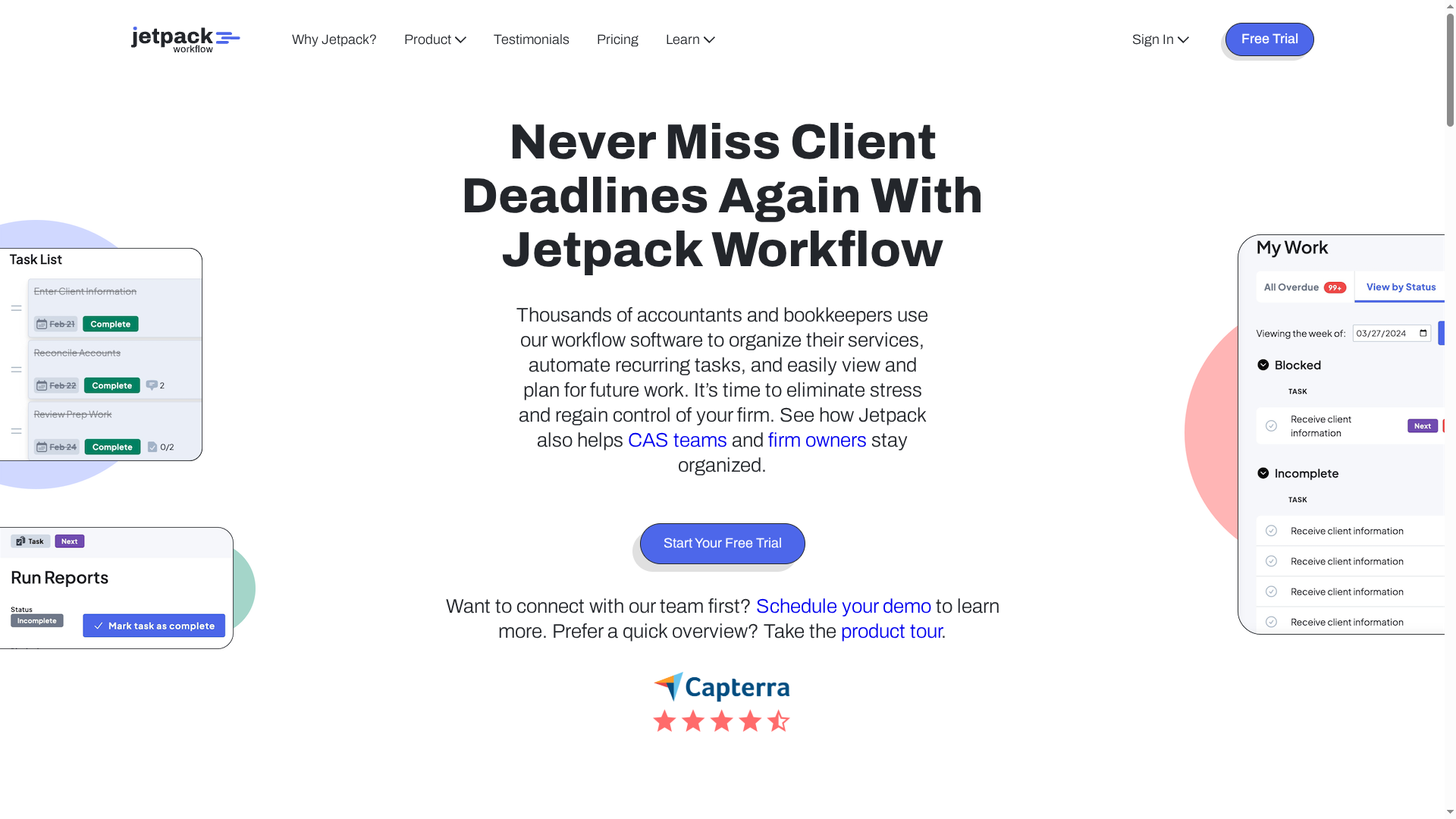
Jetpack Workflow is workflow software built specifically for accountants and bookkeepers to organize services, automate recurring tasks, and plan future work. It helps firms remove stress around deadlines, standardize processes, and track team progress—making recurring client work predictable. It’s especially appealing for small to mid-sized firms that need a straightforward way to convert repetitive work into reliable, repeatable processes.
Core Features
Jetpack Workflow focuses on the essentials accountants need: organizing client work and deadlines, automating recurring tasks, creating custom work templates, and tracking team progress and upcoming work. The template-and-automation approach lets firms standardize client processes so recurring engagements run the same way each time. The platform also emphasizes visibility—so partners and managers can see who’s handling what and when deadlines are coming due.
Pros
- Helps firms stay organized and meet deadlines consistently, which reduces late deliverables and client escalations.
- Increases efficiency and saves administrative hours by automating repetitive task creation and reminders.
- Supports firm growth and collaboration by standardizing work across teams so new hires follow the same procedures.
- Provides training and support for onboarding and setup, easing the transition for firms that haven’t used formal workflow software before.
- Trusted by thousands of accounting firms, which indicates the platform is purpose-built for this profession and has real-world traction.
Cons
- Pricing info may be a concern for smaller firms, since the Starter yearly plan is $40 per user per month (billed annually) and the Starter monthly plan is $49 per user per month (billed monthly).
- Some features may require additional services or customization, which can add implementation time and cost.
- There are limited details on integrations with other software, making it unclear how seamless connections with tax, payroll, or practice management systems will be.
Who It’s For
Jetpack Workflow is ideal for accountants and bookkeepers at small to medium-sized firms who want to streamline workflows, reduce missed deadlines, and scale standard operating procedures without complex configuration. It suits solo practitioners who want reliable task automation and multi-partner firms that need visibility into team workloads.
Unique Value Proposition
Jetpack Workflow’s value is its laser focus on accounting practice workflows: templates plus automation equals predictable delivery. Instead of a general project tool, it packages features that match recurring tax, bookkeeping, and review engagements so firms can move from bespoke processes to standardized operations quickly.
Real World Use Case
A mid-size CPA firm uses Jetpack Workflow to manage over 2,000 clients by automating recurring bookkeeping and tax tasks, assigning work across teams, and monitoring upcoming deadlines. The result: fewer late filings, clearer accountability, and measurable time saved on administrative coordination.
Pricing
Starter yearly plan at $40 per user per month (billed annually), and Starter monthly plan at $49 per user per month (billed monthly). Additional setup and customization services are available starting at $299.
Website: https://jetpackworkflow.com
Officetools
At a Glance
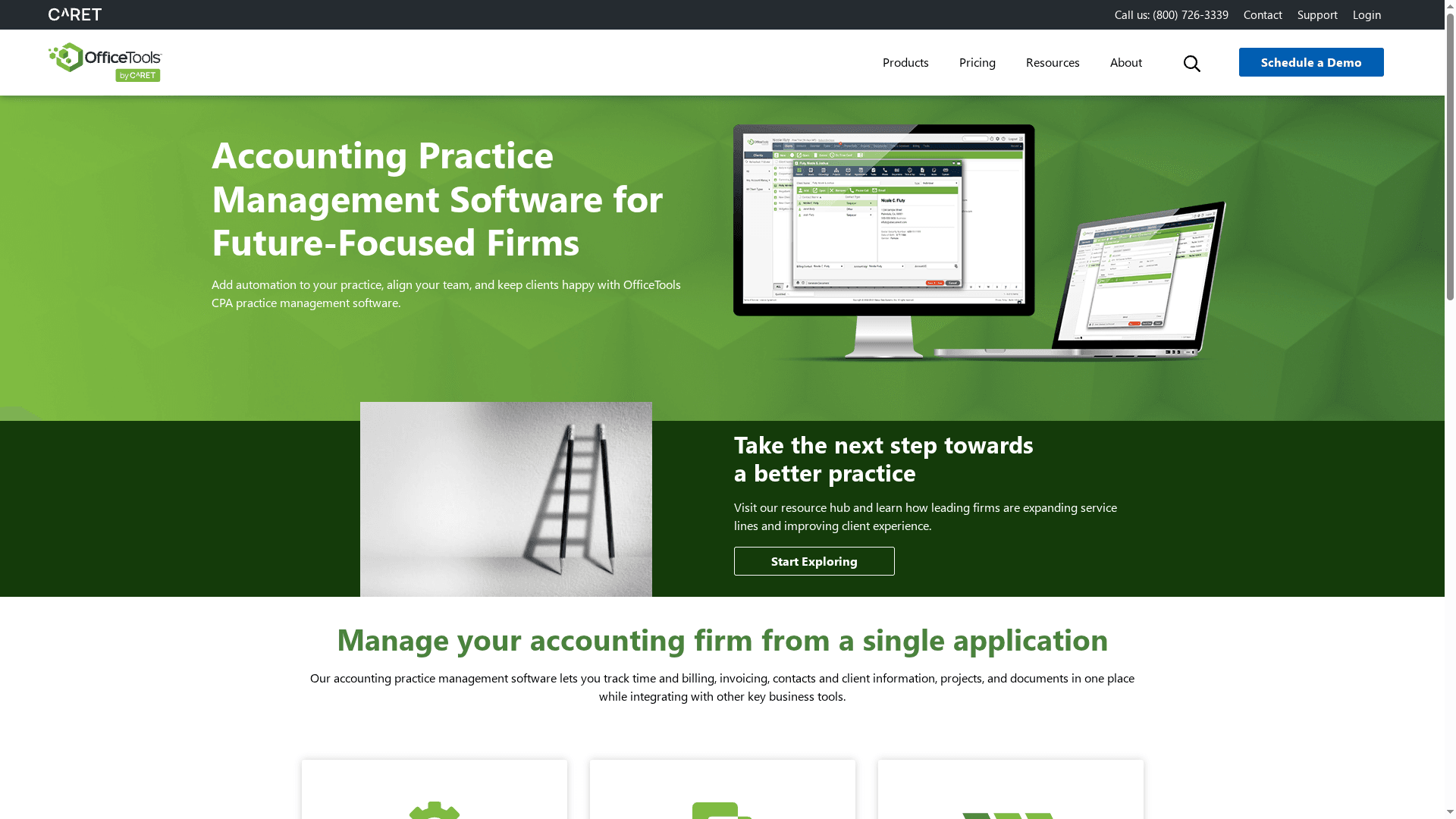
Officetools is an all-in-one practice management platform built to help accounting firms centralize time, billing, projects, and client communication in a single application. It emphasizes automation and team alignment to reduce manual entry and improve visibility across a firm. For firms ready to standardize workflows and integrate with core accounting tools, Officetools delivers clear operational benefits. It does require commitment to onboarding and a direct sales conversation to get pricing details.
Core Features
Officetools combines time and billing management, invoicing, client information management, project and document handling, and data automation aimed at reducing manual entries. The product includes team collaboration tools designed for strategic planning and visibility and supports integrations with established accounting tools such as QuickBooks, Lacerte, Microsoft Exchange, and Canon Scanner. Additionally, Officetools offers customizable client, billing, and appointment management features so firms can tailor workflows to their processes.
Pros
- All-in-one platform for practice management: Officetools centralizes timekeeping, billing, projects, documents, and client portals so you avoid scattered systems and duplicated effort.
- Strong integration options with popular accounting tools: It connects with QuickBooks, Lacerte, Microsoft Exchange, and Canon Scanner, helping automate handoffs and preserve data fidelity across systems.
- Automation features that reduce data entry and errors: Built-in data automation cuts manual inputs and lowers the risk of billing and client record mistakes.
- Customizable interface to suit specific firm needs: You can configure client, billing, and appointment workflows to match firm practices instead of forcing teams to adapt to rigid software.
- Good visibility and planning tools for firm growth: Dashboards and collaboration features are designed to help managers monitor workload, progress, and capacity as the firm scales.
Cons
- Pricing details are not explicitly provided, requiring a call for a quote: The lack of transparent pricing means you’ll need to speak with sales to understand total cost of ownership.
- May require training or onboarding for optimal use: To get full value from automation and customization, firms should plan for structured onboarding and staff training.
- Limited information on specific user limits or scalability details: The product description does not specify user caps or how it handles very large multi-partner firms, leaving questions about long-term scalability.
Who It’s For
Officetools is best suited to CPA firms and accounting practices that want an integrated, automation-driven practice management solution. Solo practitioners and small firms that already use QuickBooks or Lacerte will find the integrations especially useful, while mid-sized and growing firms will appreciate the planning and visibility tools—provided they invest in onboarding.
Unique Value Proposition
Officetools differentiates itself by packaging practice operations, automation, and client management into a single, configurable platform that connects directly with common accounting systems. That combo reduces friction between tax, bookkeeping, and billing workflows and helps firms present a smoother client experience.
Real World Use Case
A CPA firm uses Officetools to manage client projects, automate data entry from tax software, coordinate team activities, and provide clients a secure portal for document exchange and payments, which leads to faster turnaround and improved client satisfaction.
Pricing
Call for pricing
Website: https://officetools.com
Accounting Technology Solutions Comparison
Here is a comprehensive comparison of the top technology solutions tailored for accounting and professional services firms, helping you make informed decisions.
| Product | Key Features & Usability | Pros | Cons | Pricing |
|---|---|---|---|---|
| Transform 42 | IT support, AI integration, vCIO consulting, cloud backup, compliance-driven | Specialized for accounting, scales without hiring, automates tasks, focuses on compliance, seasoned leadership | Pricing is tailored and not specified | Custom pricing |
| Karbon | Practice management, automation, collaboration, client portal, enterprise security | Powerful automation, strong collaboration, comprehensive coverage, dedicated support, time and cost savings | Pricing steep for small firms, feature complexity, features behind premium plans | Team: $59-$79/user/mo; Business: $89-$99/user/mo |
| Canopy | Legal research, workflow management, document management, potential integrations | Streamlines workflows, centralized platform, efficiency for legal teams, potential integrations, user-friendly interface | Limited feature details, potential subscription fees, details not specified | Contact for pricing |
| Jetpack Workflow | Organizes services, automates tasks, custom templates, tracks progress | Improves organization and deadlines, saves time, supports growth, provides training, trusted by many firms | Pricing may concern small firms, additional service needs, limited integration details | Starter: $40-$49/user/mo; setup starts at $299 |
| Officetools | Practice management, automation, project handling, integrates with accounting tools | All-in-one solution, strong integrations, automation reduces errors, customizable, good for firm growth | Pricing requires call, needs training, limited scalability details | Call for pricing |
Elevate Your Practice Management with Trusted Technology and Strategy
Choosing the right practice management software is critical for your accounting firm to streamline workflows, boost productivity, and meet client demands without the stress of operational uncertainty. As highlighted in the “Practice Management Software Comparison – Top 5 Picks 2025,” firms face challenges like standardizing processes, automating routine tasks, and ensuring seamless collaboration across teams. These pain points can hinder growth and put compliance at risk when systems fail or lack strategic alignment.
At Transform 42, we understand these challenges deeply. We don’t just provide IT support; we align your technology strategy with your firm’s goals to deliver ironclad compliance, nonstop reliability, and peace of mind. By integrating your choice of practice management tools within a secure, optimized environment, we help you avoid costly downtime and regulatory penalties. Explore how our Digital-transformation Archives streamline adoption of new technology and standardized workflows from the start. Plus, our focus on Processes ensures your firm benefits from efficient, repeatable operations that scale.
Ready to transform your practice with confidence and protection? Visit Transform 42 today to discover how our strategic IT consulting and unmatched service-level commitments power Miami accounting firms to scale faster and serve clients better. Don’t let technology hold you back—partner with us now and build a stronger, more resilient practice.
Frequently Asked Questions
What features should I look for in practice management software?
Look for core features such as task automation, document management, client communication tools, and project tracking. Prioritize software that enhances collaboration and streamlines repetitive tasks to improve overall efficiency.
How can practice management software improve my firm’s productivity?
By automating repetitive tasks and centralizing communication, practice management software can reduce time spent on manual processes. Implementing these solutions can help you save up to 20% of administrative hours, allowing your team to focus on higher-value work.
What steps should I take to evaluate practice management software options?
Begin by identifying your firm’s specific needs, then create a list of essential features based on those needs. Conduct demos of top options to see how each tool aligns with your workflow requirements and ask for feedback from team members who will use the software.
How does pricing typically work for practice management software?
Pricing models can vary; many platforms charge on a per-user monthly or annual basis. Inquire about any additional costs for training or setup to get a clear understanding of total expenses before making a decision.
Is training necessary for using practice management software?
Yes, training is often required to fully utilize the features of practice management software effectively. Plan for onboarding sessions to ensure that all team members are comfortable with the system and can maximize its benefits within a few weeks after implementation.
Can practice management software help with compliance?
Absolutely! Many solutions include features designed to ensure data security and compliance with relevant regulations. Evaluate how each software addresses compliance needs during your selection process to maintain your firm’s integrity and reliability.
Recommended
- Best Managed IT Services Comparison – Expert Comparison 2025 – Stratgetic IT Consultants for Accountants
- Understanding the Role of Managed Services Providers – Stratgetic IT Consultants for Accountants
- Best Managed IT Services for Accounting – Expert Comparison 2025 – Stratgetic IT Consultants for Accountants
- Revolutionizing EHR: A User-Centered Approach to Healthcare Transformation
- Club Management Software | Colossus Systems
- Best CRM for Healthcare: Top Solutions 2025 | Singleclic