Every business leader looks for the secret to working smarter and staying ahead. With so many ways to manage projects and support teams, choosing the right tools can make days feel smoother or bring unnecessary stress. Some promise fast automation and peace of mind while others offer powerful customization or crystal clear collaboration across departments. Which features actually make life easier and which add more complexity than they solve? The right choice can shape client experiences and help your practice thrive. See how these options stack up to help your team work with more confidence and less chaos.
Table of Contents
Transform 42

At a Glance
Transform 42 delivers targeted IT support and strategic technology consulting built specifically for accounting and tax firms in Miami. The firm focuses on proactive management, automation, and cybersecurity to reduce downtime and regulatory risk while helping practices scale. Bottom line: if you run a small to mid-sized CPA firm and value compliance, reliability, and clear growth plans, Transform 42 is designed for you.
Core Features
Transform 42 combines proactive IT support, automation and AI integration, strategic IT consulting, cybersecurity, and business process streamlining to form a single offering tailored to financial services. Expect managed support that prevents incidents before they disrupt billable work, AI-enabled automation to remove repetitive bookkeeping tasks, and strategic planning that aligns technology investments with firm growth goals. All features center on maintaining secure, auditable environments for client financial data.
No guesswork.
Pros
- Specialized focus on accounting and tax firms: Transform 42 adapts processes and security controls to the regulatory demands and workflow patterns specific to CPA practices.
- Proactive, strategic IT management: The company emphasizes prevention and planning so you spend less time firefighting and more time advising clients.
- Scales technology as a business advantage: Transform 42 helps firms leverage automation and cloud platforms to expand capacity without proportionally increasing headcount.
- Strong compliance and security emphasis: Cybersecurity and data protection are core services, which reduces exposure to regulatory penalties and client data breaches.
- Reduces seasonal operational stress: With proactive support and automation, firms can handle busy seasons with fewer emergency tickets and smoother throughput.
Who It’s For
Transform 42 is ideal for small to medium accounting and tax firms in Miami seeking a single, trusted IT partner that understands the nuances of financial data, regulatory compliance, and seasonal workload spikes. It’s especially valuable to bilingual or family-run practices that want to modernize without losing personal client service, and to mid-sized firms preparing to win larger clients or expand into adjacent service lines.
Unique Value Proposition
Transform 42’s core advantage is its alignment of IT execution with firm strategy: We don’t just manage IT—we align vision and strategy with your business goals. For Miami accounting firms, that means ironclad compliance, nonstop reliability, and absolute peace of mind. With 99.99% uptime and guaranteed 15-minute response times, we eliminate unplanned downtime, regulatory penalties, and security risks. And here’s our promise: if we fall short, you don’t pay—we cover the cost. This guarantee shifts risk off the firm and onto Transform 42, which is rare in the local MSP landscape. Because the offering bundles proactive prevention, automation, and strategic planning, Transform 42 does more than patch problems—it creates measurable capacity gains and predictable operations that give accountants a sustainable competitive edge over peers who treat IT as an afterthought.
Real World Use Case
A Miami-based accounting firm engaged Transform 42 to migrate to a cloud ERP, deploy AI to automate routine reconciliations, tighten endpoint security, and receive ongoing proactive support. The result: the firm reduced manual labor on month-end tasks, improved client response times, and confidently pursued larger corporate clients without increasing headcount.
Pricing
Pricing is not specified on the website; Transform 42 appears to offer custom packages and consultative quotes tailored to firm size and needs. Contact for a detailed proposal and scope-based pricing.
Website: https://transform42inc.com
Monday.com
At a Glance
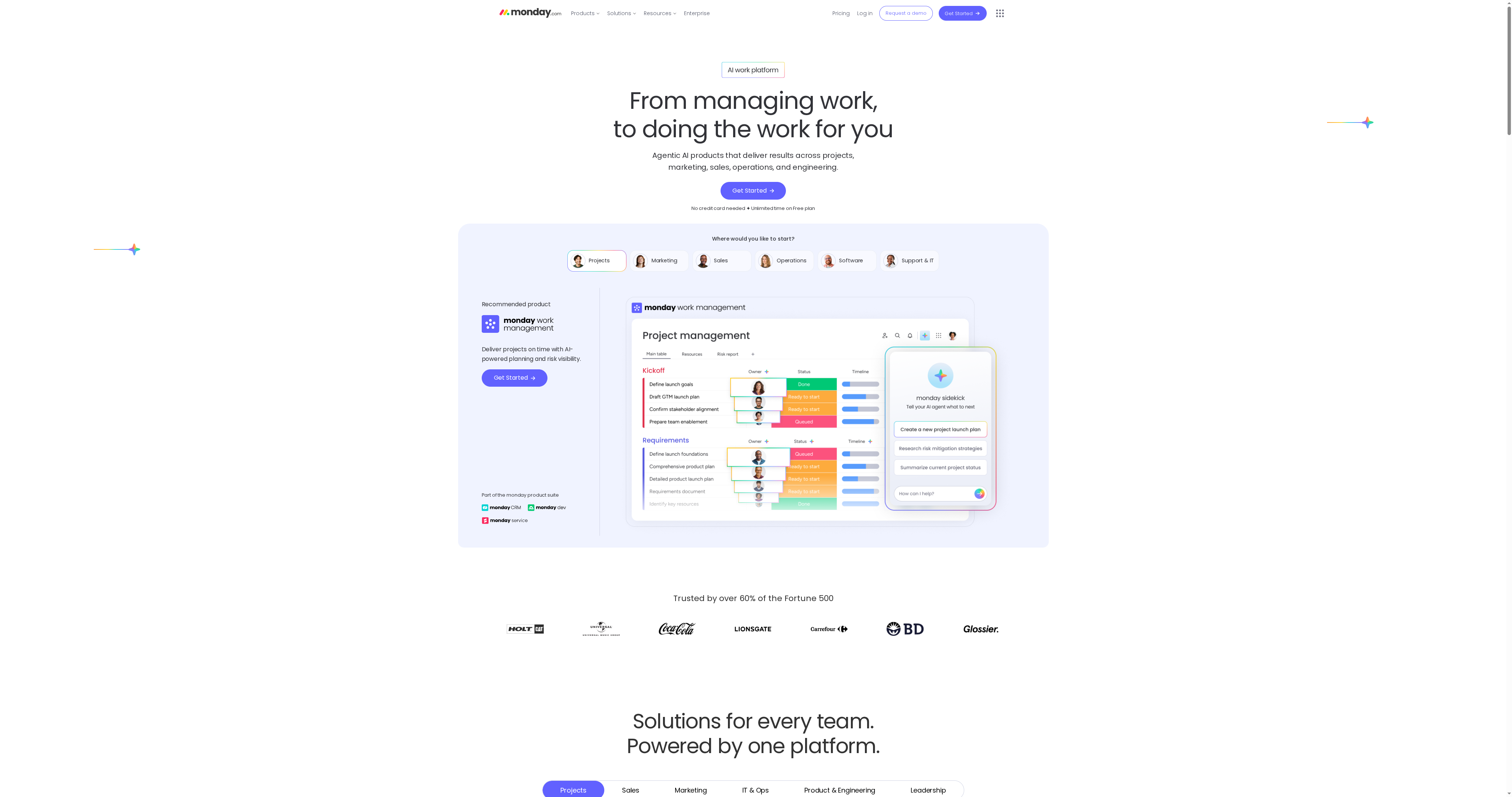
Monday.com is a flexible work operating system that consolidates project management, CRM, development, and service workflows into a single platform. It combines no-code customization, automation, and AI-driven insights to help teams reduce manual work and surface project risks. There is a free plan and paid tiers starting around $9 to $19 per user per month, but advanced capabilities and enterprise-grade support require higher-tier plans. Overall: powerful and configurable, but expect a learning curve for complex setups.
Core Features
Monday.com provides work management for tasks and projects, a CRM for the customer lifecycle, development tools from idea to launch, and service management for support operations. The platform includes dashboards for data visualization and reporting, integrations with third-party tools, and automation to handle repetitive tasks. AI-powered insights and risk detection tools help flag potential issues in workflows, and mobile apps for iOS and Android support on-the-go access. Templates for industries and use cases speed initial setup.
Pros
- Comprehensive, all-in-one platform: It brings project management, CRM, development, and service workflows into a single workspace so teams don’t need multiple disconnected tools.
- Highly customizable with no-code building blocks: You can tailor boards, fields, and automations to your process without writing code, which supports diverse teams from sales to developers.
- Strong automation and integrations: Built-in automation reduces repetitive work, and integrations help centralize data across your existing toolset.
- AI-driven insights and risk detection: Machine-assisted signals can surface project risks and help prioritize issues before they escalate.
- Flexible pricing tiers: A free plan and multiple paid plans make it accessible to small teams while offering enterprise options for larger organizations.
Cons
- Complexity for new users to get started: The number of features and customization options can be overwhelming, and meaningful adoption often requires time and internal training.
- Pricing can escalate for large teams: While entry-level plans are affordable, costs can rise significantly for larger teams that need premium features or enterprise controls.
- Key capabilities gated by higher tiers: Some advanced features and AI capabilities may only be available on upper-level plans, which can limit value for smaller firms on tight budgets.
Who It’s For
Monday.com suits organizations of all sizes that want a single, adaptable platform to manage projects, sales pipelines, marketing campaigns, HR tasks, and support operations. It’s especially useful for project managers, operations leaders, and cross-functional teams who need visibility across silos and are ready to invest time in configuration and governance.
Unique Value Proposition
Monday.com’s unique value is its versatility: a configurable work OS that scales from solo practitioners to enterprise teams, pairing no-code customization with automation and AI insights so workflows are both tailored and intelligent.
Real World Use Case
One company used Monday.com to streamline project delivery, improving cross-team collaboration and resource allocation while reportedly saving over $4 million in costs and accelerating project completion.
Pricing
Offers a free plan with basic features; paid plans start from approximately $9 to $19 per user per month, with enterprise options available for larger organizations and advanced requirements.
Website: https://monday.com
Asana
At a Glance
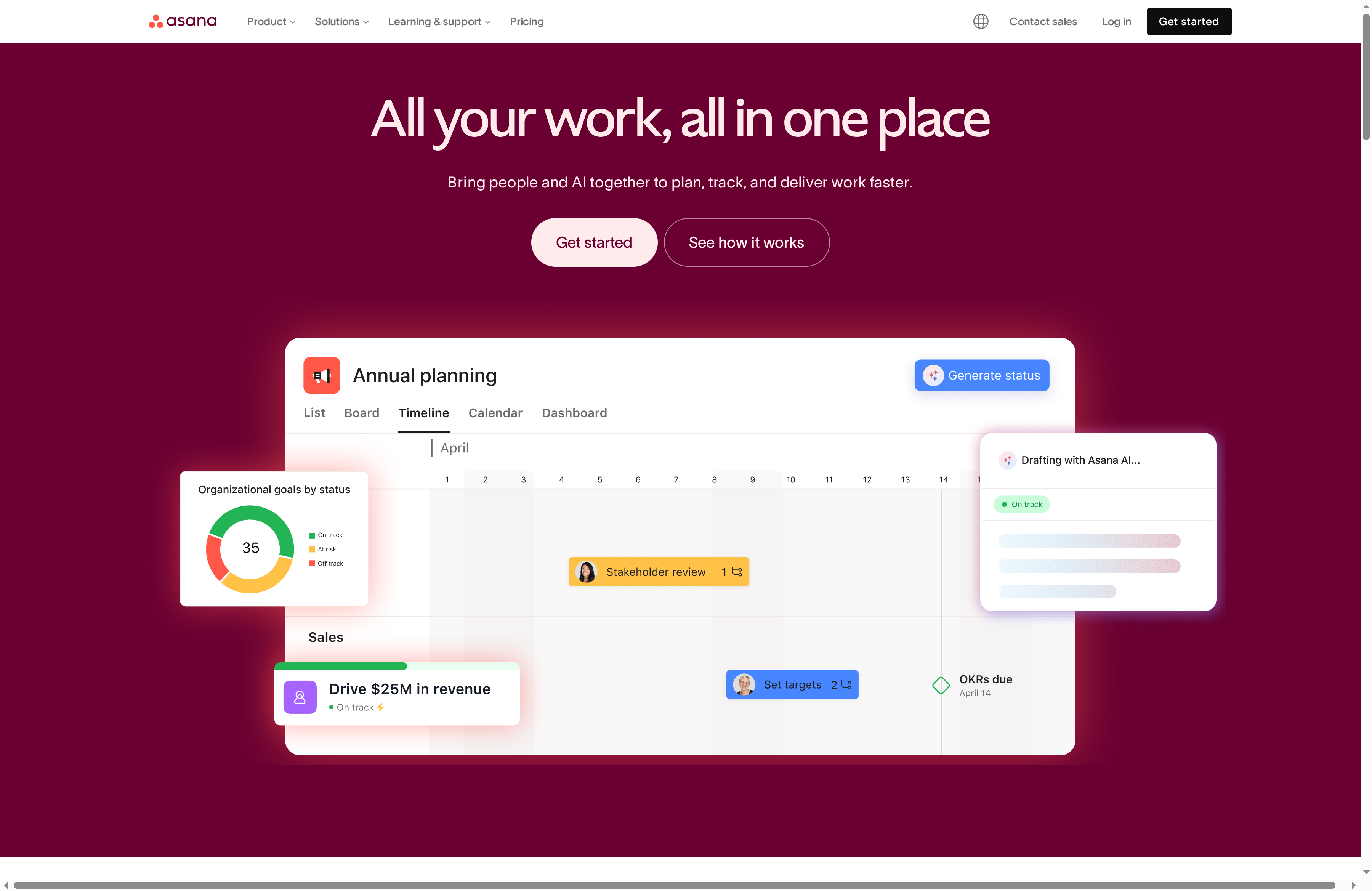
Asana is a full-featured work management platform that helps teams organize, track, and manage work with clarity and accountability. It combines flexible project views, no-code workflow automation, and AI-assisted features to reduce manual overhead. For firms that need scalable structure—from solo practitioners to multi-department organizations—Asana balances power and usability. Expect a learning curve if you push into advanced automation, but the payoff is measurable alignment across teams.
Core Features
Asana provides list, board, calendar, and timeline views for project management, plus a no-code workflow automation builder that reduces repetitive work. It includes goals and organizational planning tools, resource management with workload visualization, and custom fields and forms to capture structured information. The platform integrates with more than 300 apps and layers in AI capabilities to surface insights and suggest automations, helping you move from task chaos to predictable delivery.
Pros
- Extensive integrations: Asana connects with hundreds of enterprise tools, enabling smooth data flow between the apps your firm already uses.
- AI-assisted productivity: Built-in AI features help suggest automations and offer insights that reduce manual triage and decision time.
- Flexible pricing tiers: The platform offers plans that scale from free personal use to enterprise-grade options, so you can grow without swapping systems.
- Strong enterprise security: Asana includes security and compliance options suitable for larger organizations that require tighter controls.
- User-friendly interface with versatile views: Multiple project views and customizable fields make it easy to visualize work in the way that fits your team.
Cons
- Complex for new users: The breadth of features can overwhelm users who only need simple task lists, requiring time for training and setup.
- Can be costly for larger teams: Pricing increases significantly as you upgrade to advanced and enterprise tiers, which can strain budgets for growing firms.
- Advanced features gated by tier: Some of the most powerful automations and reporting options are restricted to higher-tier plans, limiting access for smaller offices.
Who It’s For
Asana fits organizations of all sizes that need a flexible, scalable work management system—especially teams that already use multiple tools and want a central platform. If you run a solo CPA practice moving toward standardized client workflows, or a mid-size firm coordinating cross-department projects, Asana can serve both ends of that spectrum. If your priority is a simple to-do list, it may be more than you need.
Unique Value Proposition
Asana’s strength is its combination of breadth and integration: a single platform that supports multiple project views, deep app connectivity, and AI-driven automation. That mix lets teams reduce manual processes while keeping work visible and aligned to organizational goals—ideal when you need traceability across client engagements or internal initiatives.
Real World Use Case
A global manufacturing company uses Asana to align projects across procurement, engineering, and operations; automate routine task assignments; and track progress against strategic goals. The result: fewer handoffs, clearer ownership, and faster escalation when roadblocks appear.
Pricing
Personal is free; Starter at $10.99/user/month (billed annually or $13.49/month billed monthly); Advanced at $24.99/user/month; Enterprise available with custom pricing.
Website: https://asana.com
ClickUp
At a Glance
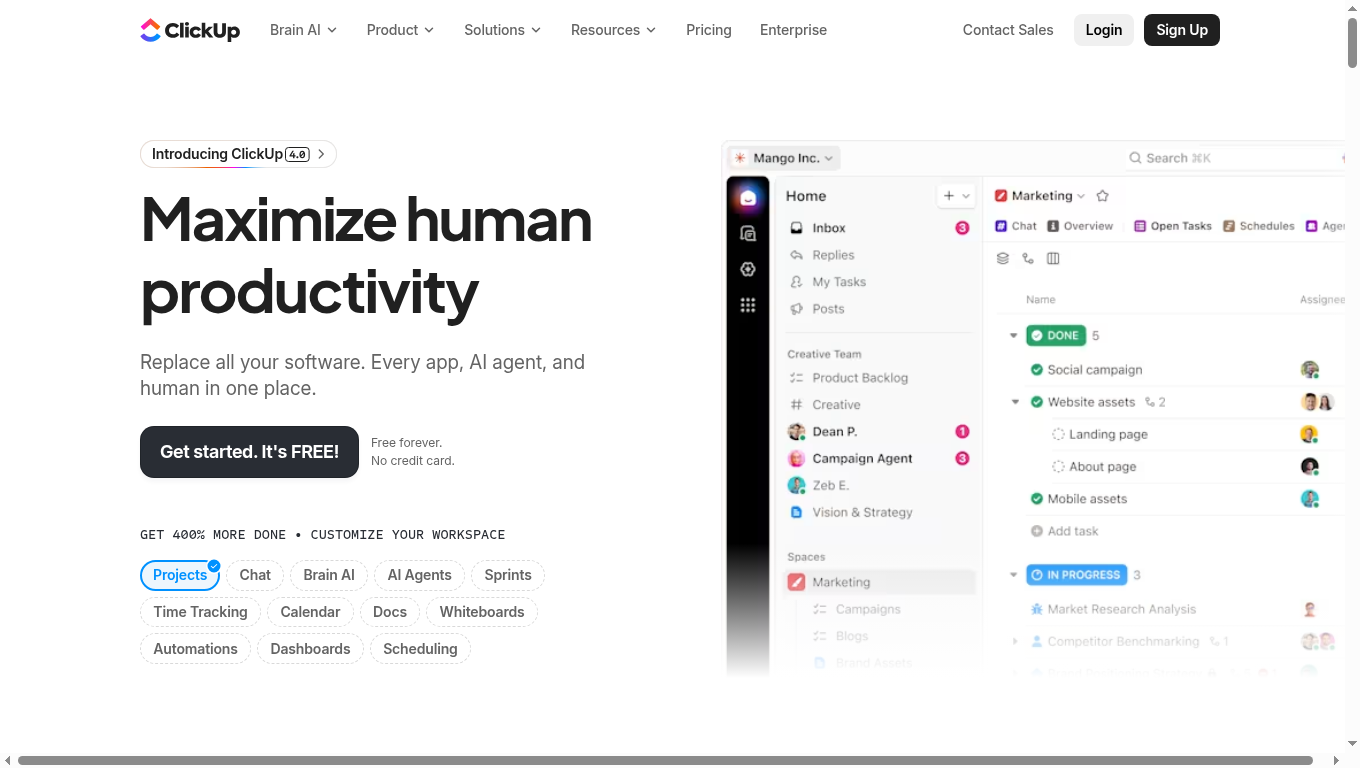
ClickUp is a broad productivity platform designed to consolidate tasks, apps, AI agents, and documents into one workspace. Its strength is depth: project management, time tracking, docs, whiteboards, automations, and AI tools live under one roof, which can drastically reduce software sprawl. That consolidation suits teams that want fewer subscriptions and tighter integrations, but the tradeoff is a dense interface that requires intentional onboarding. Bottom line: powerful and flexible, but expect a learning curve.
Core Features
ClickUp’s core capabilities cover the full lifecycle of common workflows: task and project management with workflows and milestones, integrated time tracking and calendar views, collaborative docs and whiteboards, customizable dashboards and automations, plus AI-powered agents and chat for assistance and automation. The platform also supports various integrations and API access so you can connect other systems and extend functionality. These building blocks let you centralize planning, execution, collaboration, and basic automation in a single workspace.
Pros
- All-in-one platform reduces tool fragmentation: By bringing project management, docs, time tracking, and automation together, ClickUp helps teams retire separate apps and simplify billing and oversight.
- Wide feature set including AI tools: ClickUp’s inclusion of AI agents and chat gives teams options to automate routine tasks, draft content, or surface suggestions without leaving the platform.
- Flexible plans for diverse team sizes: The availability of a free forever plan and tiered paid options makes it practical for solo practitioners up to enterprise deployments.
- Free forever plan available: Small teams and solo accountants can start without upfront cost and evaluate workflow fit before committing.
- Security and compliance standards: ClickUp lists strong security practices, which is important when handling client data and firm processes.
Cons
- Complex interface with a learning curve: The abundance of features and customizations can overwhelm new users and require dedicated time for setup and training.
- Enterprise features increase cost: While entry-level plans are affordable, access to advanced enterprise capabilities and large-scale automation can raise total price.
- Some features may overwhelm solo users or very small teams: Individual practitioners or tiny practices might find the breadth of options unnecessary and prefer a simpler tool.
Who It’s For
ClickUp fits teams and organizations that want a single, customizable productivity suite capable of replacing multiple tools and integrating AI assistance. It works well for growing accounting practices, marketing teams, and product groups that need shared workflows, centralized documentation, and automation. If you plan to standardize processes across multiple users, ClickUp scales from small firms to enterprise deployments.
Unique Value Proposition
ClickUp’s unique value is consolidation: it offers project planning, collaboration, automation, and AI assistance in one configurable workspace, reducing context switching and subscription overhead. When properly configured, it replaces several discrete apps and creates a single source of truth for work.
Real World Use Case
A marketing team uses ClickUp to coordinate content creation, assign tasks, schedule campaigns on the integrated calendar, and automate routine checklists. Docs store briefs and approvals, automations move tasks between stages, and time tracking records effort — delivering clearer timelines and fewer missed deadlines.
Pricing
Free plan available; paid plans start at $7 per user per month (billed annually), with enterprise customization and pricing available for larger teams.
Website: https://clickup.com
Wrike
At a Glance
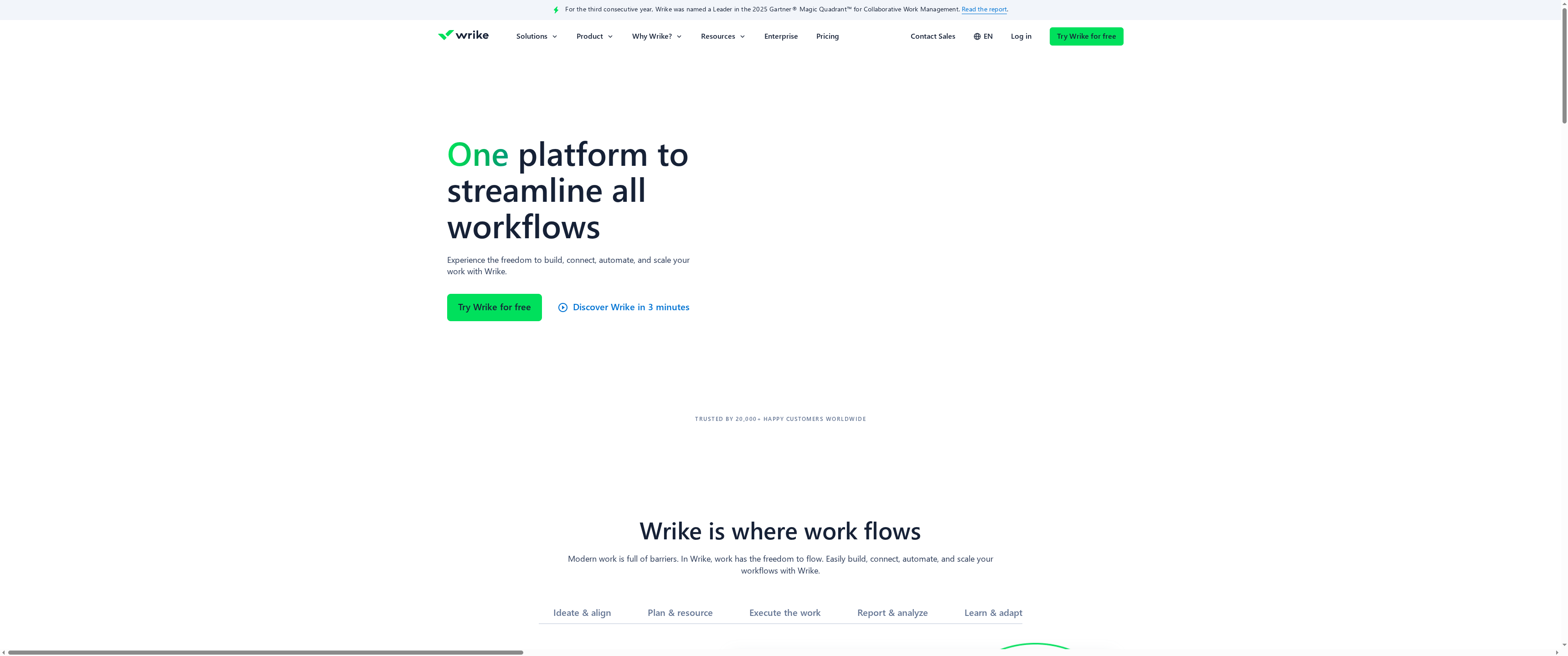
Wrike is a collaborative work management platform built to help teams plan, execute, and deliver projects efficiently across small groups and large enterprises. It combines task management, visual collaboration, analytics, and automation into one scalable environment. If you need a platform that supports cross-department workflows and strong security controls, Wrike is a serious contender—though smaller or less technical teams may face a learning curve.
Core Features
Wrike provides core work management and planning tools including task and project management with Gantt charts and table views, visual collaboration with whiteboards and Kanban boards, and AI-powered analytics and automation to speed repetitive work. It also offers custom workflows and industry templates, integration with over 400 apps (Slack, Google Drive, Salesforce, and more), and advanced security and permissions such as role-based access and encryption methods.
Pros
- Industry-recognized leader: Wrike is recognized as a leader in collaborative work management by Gartner and other agencies, which signals maturity and proven reliability.
- Broad feature set: It offers a wide range of capabilities—automation, AI, visual collaboration, and comprehensive planning tools—that support complex workflows.
- Scalable across team sizes: Wrike adapts from small teams to enterprise organizations, making it possible to standardize processes as your firm grows.
- Strong security and compliance: Advanced security features and permissions, including role-based access and encryption, help protect sensitive financial and client data.
- Extensive customization and templates: The platform includes pre-built templates and deep customization options to shape workflows to industry or firm-specific needs.
Cons
- Can be complex to implement for smaller or less tech-savvy teams: Smaller practices may need guidance or setup support to get workflows running smoothly.
- Pricing might be high for small organizations or for advanced features: The tiered plans and enterprise-level capabilities can lead to higher costs as you add users or advanced modules.
- Some features require additional integrations or add-ons: Accessing specific capabilities may depend on connecting third-party apps or enabling paid add-ons.
- Learning curve may be steep for new users: Teams will likely need time and training to use advanced automation and analytics effectively.
Who It’s For
Wrike is well suited for teams and organizations of all sizes that need a comprehensive, scalable work management solution with strong collaboration, automation, and analytics. It particularly fits firms that coordinate cross-department projects, require secure role-based controls, and plan to standardize processes with templates and custom workflows.
Unique Value Proposition
Wrike’s strength is its combination of enterprise-grade security, deep customization, and integrated AI-driven analytics and automation, all backed by broad app integrations. That mix helps organizations reduce manual handoffs while keeping data and permissions tightly controlled.
Real World Use Case
A marketing team uses Wrike to plan campaigns, assign and track tasks, collaborate on creative assets via whiteboards and Kanban boards, and monitor campaign performance with real-time analytics—shortening turnaround times and improving transparency across stakeholders.
Pricing
Wrike offers multiple plans including Free, Professional, Business, and Enterprise, with pricing ranging from a free basic tier to custom quotes for enterprise solutions.
Website: https://wrike.com
Trello
At a Glance
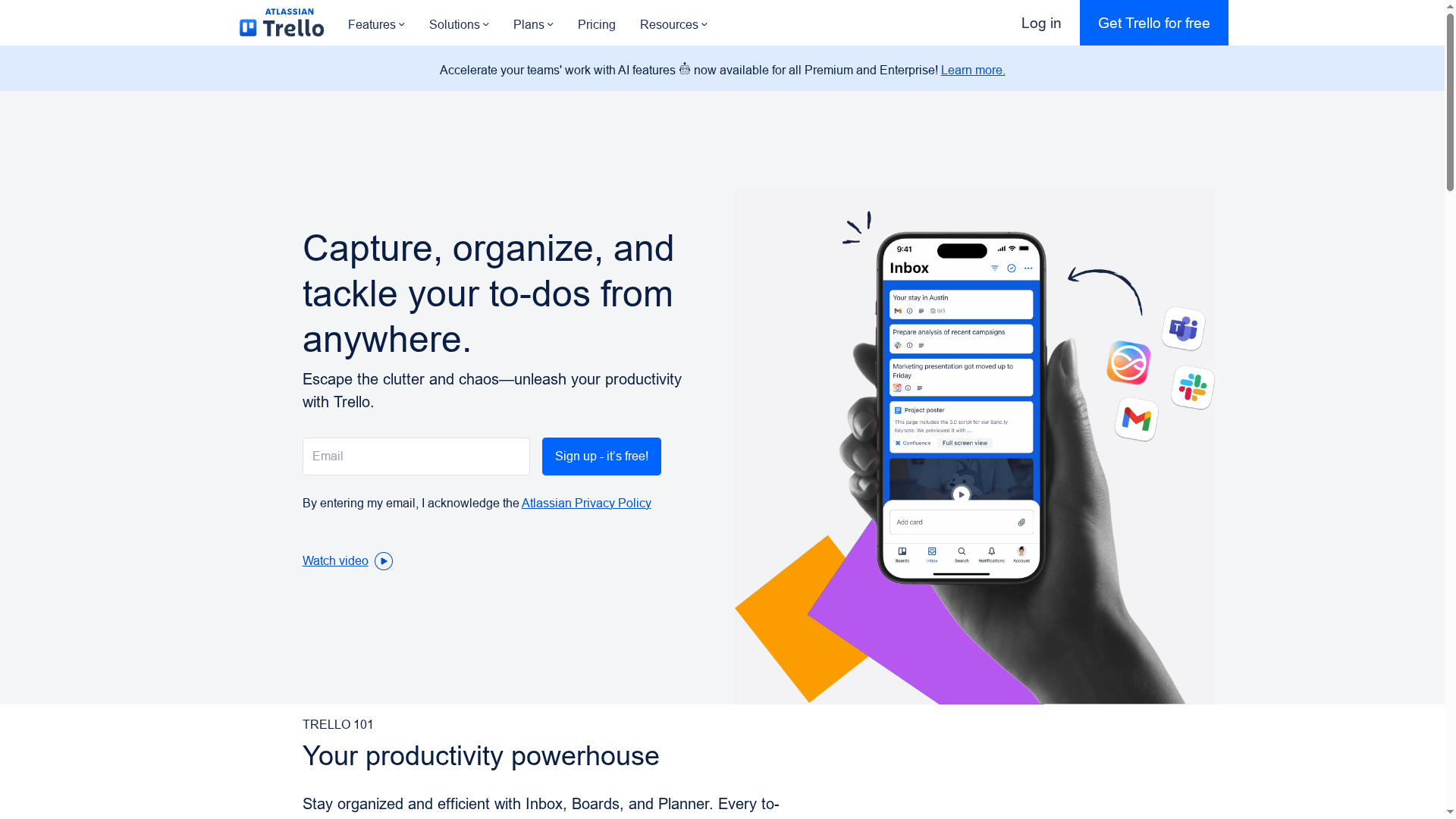
Trello is a visual, board-based workflow tool that helps teams organize tasks, resources, and projects with minimal setup. Sign up, create a board, and you can start tracking work immediately — ideal for busy accounting practices that need quick, visible organization. It’s user-friendly and flexible, but deeper functionality and larger file storage require paid plans. Simple to start. Scales with planning.
Core Features
Trello centers on flexible boards for task organization, a visual task layout that makes responsibility and status obvious, and a resource hub that keeps key information accessible. Project management tools handle deadlines and alignment while templates speed setup for recurring workflows. Integrations and power-ups connect Trello to email, Slack, and other apps, and built-in automation reduces repetitive steps without heavy admin overhead.
Pros
- User-friendly interface: The drag-and-drop boards and clear card layout let new users get productive with almost no training.
- Highly customizable with templates and power-ups: You can tailor boards for client workflows, tax season checklists, or audit pipelines using ready-made templates and add-ons.
- Wide array of integrations: Trello connects to email, Slack, and many other tools so information flows where your team already works.
- Flexible plans for different team sizes and needs: From a free tier for individuals to enterprise offerings, Trello provides options as firms grow.
- Strong security and enterprise options: Enterprise-level features and controls support compliance needs for firms that require tighter governance.
Cons
- Limited storage on free plan (10MB/file): The free plan’s 10MB per file cap quickly becomes restrictive for firms handling large PDFs or scanned client documents.
- Advanced features require paid plans: Many automations and enhanced board controls sit behind paid tiers, which means some useful functionality isn’t available to all users.
- Can become complex with too many integrations or boards: When you add many power-ups and boards, the workspace can get cluttered and harder to maintain without clear governance.
Who It’s For
Trello fits teams and organizations of all sizes that want an intuitive, visual platform to manage projects and collaborate. For Miami-based solo CPAs, small practices, and boutique firms, Trello is a fast way to centralize task lists and client workflows. Larger firms will appreciate enterprise controls but should plan board structure to avoid chaos.
Unique Value Proposition
Trello’s strength is its approachable visual model combined with adaptable templates and extensive integrations. It lowers the barrier to entry for organized workflows while offering paid tiers that add governance and automation as your firm’s needs grow. It’s simple first — powerful later.
Real World Use Case
A marketing team uses Trello to plan content calendars, track campaign tasks, and collaborate on creative assets, ensuring all members are aligned and deadlines are met; similarly, accounting teams can map tax deadlines, client deliverables, and review workflows on shared boards for clear accountability.
Pricing
Free for individuals and small teams; paid plans start at $5 USD per user/month for Standard, $10 USD per user/month for Premium, and $17.50 USD per user/month for Enterprise.
Website: https://trello.com
teamwork.com
At a Glance
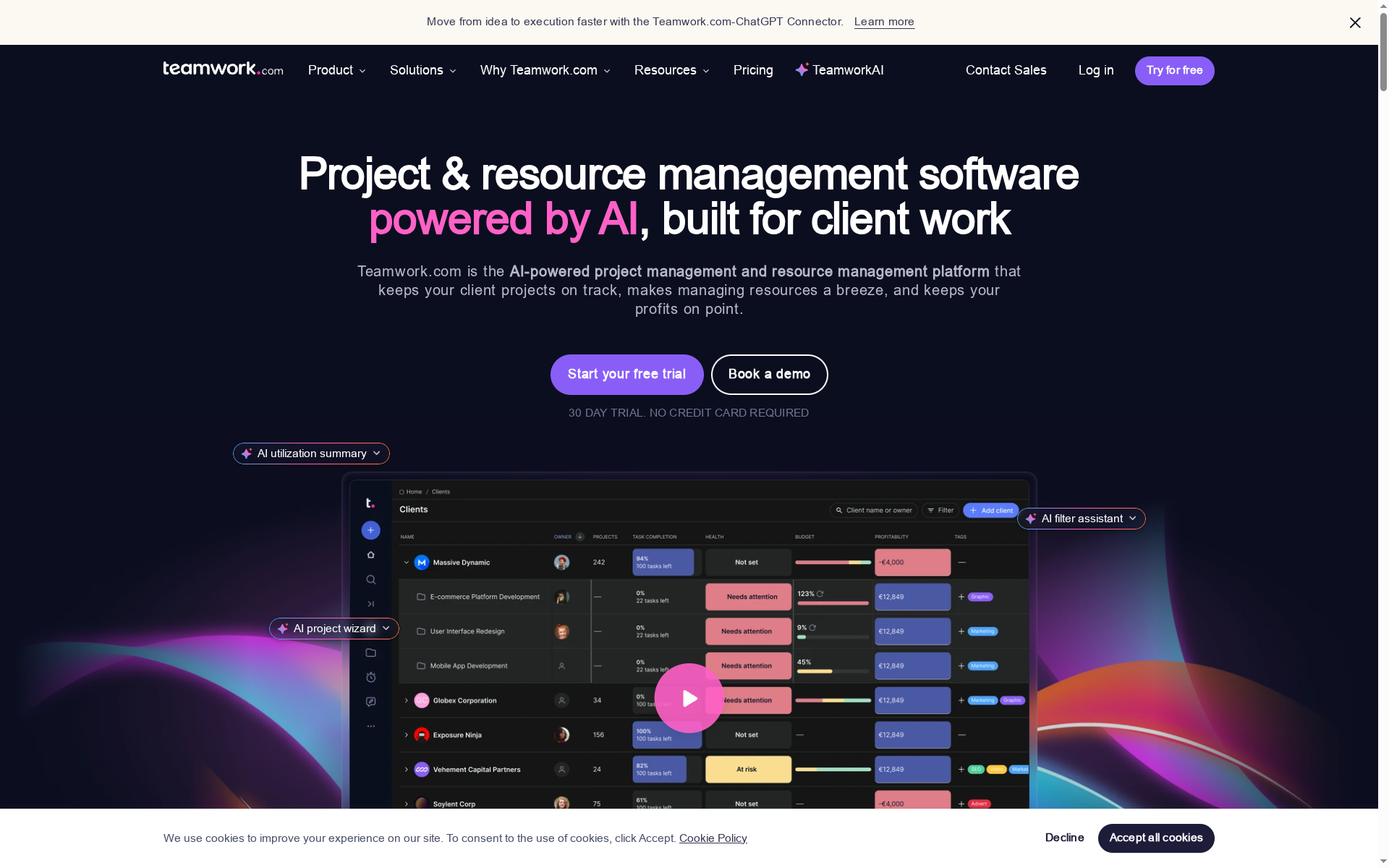
Teamwork.com is an AI-powered project and resource management platform built to help client-focused firms deliver projects faster while protecting margins. It combines project setup, scheduling, time tracking, and financial tracking into one suite so you can see profitability and utilization in one place. Expect a robust feature set that scales from solo practitioners to multi-team firms, though smaller teams may find parts of it more than they need.
Core Features
Teamwork.com centers on AI-assisted project creation and resource scheduling, letting you spin up client work quickly with a project wizard and smart assignment recommendations. It includes a workload planner for capacity management, time tracking with timers and bulk logging, plus budget and cost tracking with alerts and rate management. Powerful reporting surfaces project health, utilization, and profitability forecasts, and customizable dashboards and workflows let you tailor the system to your firm’s processes. Integrations with tools such as Slack, Zapier, QuickBooks, and HubSpot help connect billing and communication so data flows where you need it.
Pros
- All-in-one platform combining project, resource, time, and financial management so you avoid juggling multiple disconnected tools.
- AI features that save time and improve accuracy by automating project setup and suggesting optimal resource assignments.
- Strong focus on client projects and profitability, giving you direct visibility into margins and project health.
- Good integrations with existing tools that simplify billing and client communication workflows.
- Scalable plans for different business sizes, enabling solo accountants and growing firms to upgrade as they expand.
Cons
- The platform’s complexity can be unnecessary for very small or simple teams that only need basic task tracking.
- Pricing can be high for larger teams or when advanced enterprise features are required, which may impact budget-conscious practices.
- There is a learning curve associated with the extensive feature set, which means administrators will need time to configure and train staff.
Who It’s For
Teamwork.com fits teams and organizations managing multiple client projects across agencies, IT services, consulting, finance, and creative services. If you run a small CPA practice scaling toward a multi-partner firm, or you manage billable resources and must protect project margins, this platform gives you the control and reporting you need. If you prize automation and financial visibility, this is a strong candidate.
Unique Value Proposition
Teamwork.com stands out by combining AI-driven project setup and smart resource scheduling with built-in profitability tracking, which turns project management data directly into financial insight. That single-pane view of work, time, and money reduces setup friction and helps leaders make faster resource and pricing decisions.
Real World Use Case
An agency uses the AI project wizard to create repeatable client templates, the smart scheduler to assign staff based on capacity, and built-in timers to capture billable hours. Profitability reports then highlight which engagements are most lucrative and where to reallocate resources, cutting project setup time and improving net margins.
Pricing
Multiple plans range from a free tier for small teams to enterprise levels with monthly or annual billing options. The free plan covers basic features, while paid plans unlock advanced automation, reporting, storage, and capacity as your firm grows.
Website: https://teamwork.com
Comprehensive Productivity and IT Management Tools Comparison
This table provides an overview of various tools designed for productivity, IT management, and workflow optimization for businesses. Use this comparison to evaluate key features, unique advantages, potential drawbacks, and pricing plans of each tool to make informed decisions.
| Tool | Key Features | Pros | Cons | Pricing |
|---|---|---|---|---|
| Transform 42 | Proactive IT support, AI integration, cybersecurity, strategic consulting, automation | Specialized for accounting firms, strategic IT management, strong compliance focus | Custom pricing may limit accessibility for smaller firms | Custom packages, contact for pricing |
| Monday.com | Project management, CRM, automation, AI insights, no-code customization | All-in-one platform, high customization, strong automation and integrations | Complexity for beginners, pricing can rise for large teams | Free plan; paid plans $9 to $19/user/month |
| Asana | Project views, workflow automation, AI features, extensive integrations | Extensive integrations, AI productivity, flexible pricing, user-friendly interface | Complex for starters, costly for larger teams, some features gated by tier | Free; paid plans start at $10.99/user/month |
| ClickUp | Task management, time tracking, docs, whiteboards, extensive feature set | All-in-one platform reduces fragmentation, AI tools, flexible plans, free forever plan | Complex interface, enterprise features increase cost, may overwhelm small teams | Free; paid plans from $7/user/month |
| Wrike | Task management, automation, custom workflows, advanced security, broad app integration | Industry leader, scalable, strong security, customizable with templates | Complex for smaller teams, pricing may be high, potentially steep learning curve | Free; various paid plans available |
| Trello | Visual task management, integrations, automation, user-friendly interface | User-friendly, customizable, wide integrations, strong security | Limited storage on free plan, advanced features behind paywall, can become cluttered | Free; paid plans from $5/user/month |
| Teamwork.com | AI project setup, resource scheduling, time and financial tracking, integrations | Comprehensive tools for client projects, AI efficiency, good integrations | Complexity unnecessary for small teams, pricing high for larger ones, learning curve | Free; enterprise pricing options available |
Unlock Smooth Workflow Management with Strategic IT Support
Choosing the best workflow management software is just the first step to efficiency. Many accounting firms struggle with integrating these tools into their daily operations while maintaining compliance, data security, and uninterrupted performance. Common pain points include managing seasonal workload spikes, avoiding costly downtime, and ensuring your technology truly supports your firm’s growth goals.
At Transform 42, we understand that workflow software must align with your firm’s processes and strategic vision. Our proactive IT management focuses on automation, cybersecurity, and seamless system integration so your practice runs without disruption. Learn how to enhance your operational workflows and reduce risk by exploring our Processes Archives and see the power of targeted Digital-transformation designed specifically for accounting firms.
Ready to eliminate downtime and transform your workflow management? Visit Transform 42 now and discover IT solutions with 99.99 percent uptime and guaranteed rapid response times. Put your firm’s technology on a strategic path to compliance and growth today.
Frequently Asked Questions
What features should I look for in workflow management software?
Look for features such as task management, team collaboration tools, automation capabilities, and reporting functionality. Assess your specific workflow needs and ensure the software can streamline processes effectively.
How can workflow management software improve team productivity?
Workflow management software can enhance team productivity by centralizing tasks, reducing manual work through automation, and providing visibility into project progress. Implementing such a tool can help teams save time, potentially increasing output by 20% within a few weeks.
What are the benefits of using a single workflow management platform?
Using a single platform for workflow management allows for better integration of tools, easier communication among team members, and consistent data sharing. It simplifies project oversight and can lead to more cohesive project execution with fewer errors.
How do I evaluate different workflow management solutions?
Evaluate solutions by comparing key features, user-friendliness, pricing models, and integration options. Create a checklist that aligns with your team’s specific needs and prioritize features that will benefit your workflow.
Is it necessary to provide training when implementing workflow management software?
Yes, providing training is essential to ensure all team members effectively utilize the software’s features. Consider scheduling training sessions to help your team adapt quickly, which can lead to improved adoption rates and fewer mistakes during implementation.
How can I determine the right pricing plan for my team’s needs?
Determine the right pricing plan by assessing the size of your team, required features, and expected growth. Start with a trial version if available, and evaluate how well it meets your needs before committing to a paid plan.
Recommended
- Why Automate Workflows: The Essential Guide – Stratgetic IT Consultants for Accountants
- Why Automate Workflows: Complete Guide for Accountants – Stratgetic IT Consultants for Accountants
- Why Automate Workflows: Complete Guide for Accountants
- Complete Guide to Why Automate Workflows – Stratgetic IT Consultants for Accountants